Device Compatibility and Limits of Quibity Code for eSIM in Egypt
11/7/2026
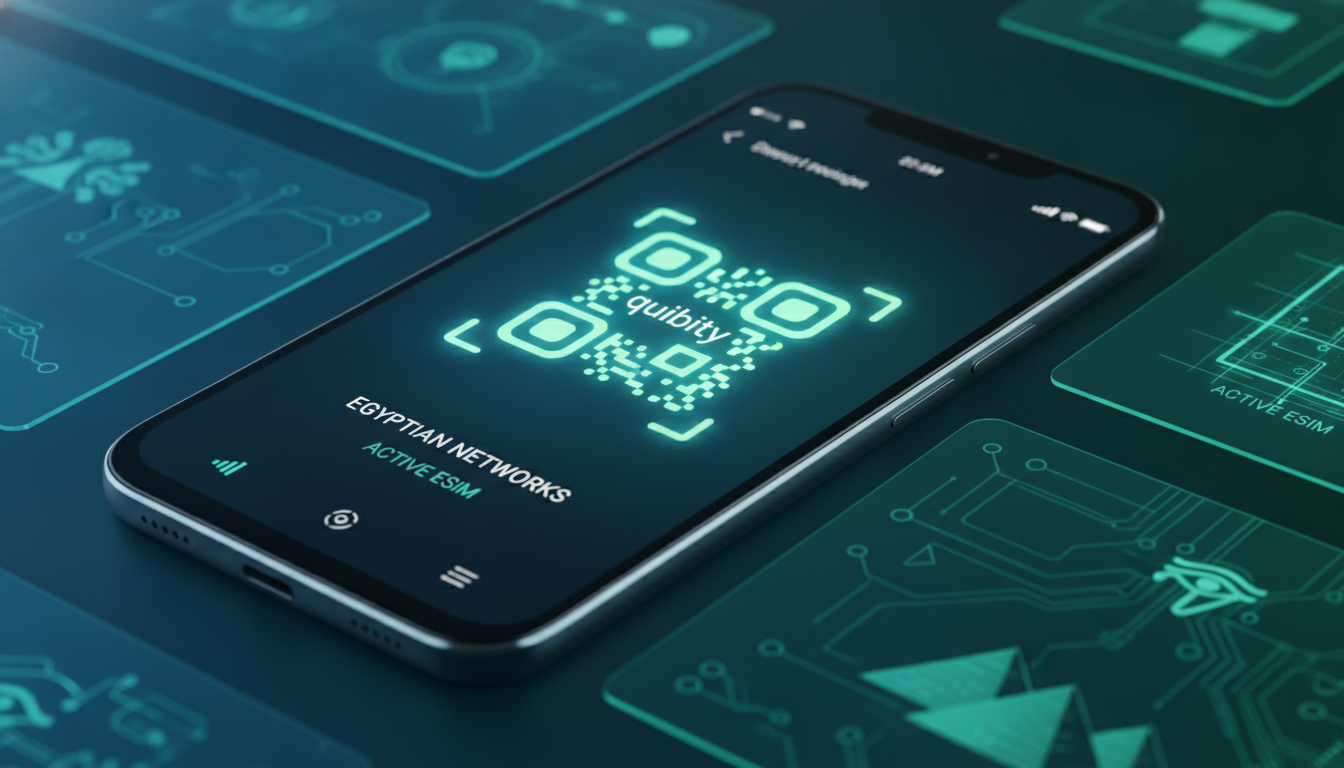
Understanding Device Compatibility with the Quibity Code for eSIM Activation in Egypt
When dealing with the Quibity code system for activating or managing eSIM plans in Egypt, the first question that comes up is: which devices actually support this technology? The Quibity code, part of the eSIM.sm platform now branded as Quibity by eSIM.sm, relies on specific hardware and software capabilities embedded in modern smartphones and tablets.
Without compatible devices, users cannot leverage the convenience of instant eSIM activation or the promotional codes like MYBESTSIM that offer discounts on data plans.
What Devices Support the Quibity Code System?
The Quibity code application is designed primarily for devices that comply with GSMA’s Remote SIM Provisioning (RSP) standards, specifically SGP.22. This standard governs how eSIM profiles are downloaded and managed remotely without needing a physical SIM card swap.
Key device compatibility includes:
- Apple iPhones from iPhone XS and newer models support eSIM with dual SIM functionality. These devices have embedded hardware that stores multiple profiles securely.
- Google Pixel phones starting from Pixel 3 also support eSIM activation via QR codes or activation codes like those generated by Quibity.
- Samsung Galaxy devices from S20 series onwards include eSIM support, but some regional variants may have limitations.
- Tablets such as the iPad Pro (3rd generation and later) and iPad Air (3rd generation and later) also support eSIM activation.
The critical factor is that the device’s firmware must support the GSMA SGP.22 specification for remote provisioning. Devices lacking this standard cannot process a Quibity code to activate an eSIM profile.
Technical Limitations of Using the Quibity Code
Even if your device supports eSIM technology, there are technical constraints when using the Quibity code algorithm for activation:
- Carrier Locking: Some devices are locked to specific carriers and do not allow adding third-party eSIM profiles. This restriction prevents the Quibity code from working unless the device is unlocked.
- Operating System Version: The device must run a minimum OS version that supports eSIM management APIs. For example, iPhones require iOS 12.1 or later, while Android devices typically need Android 10 or newer.
- Profile Storage Limits: Devices generally store up to 10 eSIM profiles but can only use one at a time alongside a physical SIM. Overloading profiles can cause errors during activation.
- Network Compatibility: The activated plan must be compatible with local network bands and frequencies in Egypt. For instance, Vodafone Egypt uses LTE bands 3, 7, and 20 predominantly; if your device does not support these bands, connectivity will be poor or unavailable despite successful activation.
- Activation Window: The Quibity code usage often requires an active internet connection during profile download. Interruptions can cause partial installations leading to unusable profiles.
I always start by checking these technical conditions before attempting to activate an eSIM with any code system because overlooking them leads to wasted time and frustration.
How the Quibity Code Algorithm Works in Practice
The Quibity code algorithm is essentially a secure token or string that encodes all necessary information for remote provisioning of an eSIM profile on your device. It acts as a bridge between your device’s embedded SIM controller and the operator’s subscription server.
Step-by-Step Activation Using a Quibity Code
- Obtain the Quibity Code: Usually delivered via email or app interface after purchasing an eSIM plan from platforms like Quibity by eSIM.sm.
- Access Device Settings: Navigate to Cellular or Mobile Data settings on your smartphone or tablet.
- Select Add Cellular Plan: Choose to add a new plan via QR code or manual entry.
- Enter or Scan the Quibity Code: This triggers your device’s eSIM manager to contact the operator’s server using the encoded data.
- Download Profile: The device downloads and installs the profile securely into its embedded SIM memory.
- Activate Plan: Once installed, you select this profile as active for cellular data and calls.
A common mistake I see is entering the code without a stable internet connection. Since profile download depends on real-time communication with operator servers, any network disruption causes failure or corrupted profiles.
Field Observation: If you try to activate a Quibity code on a device with outdated firmware, the activation process may stall without clear error messages because older OS versions lack proper error handling for remote provisioning failures.
Practical Device Compatibility Issues Specific to Egypt
Egypt’s mobile networks have particular technical requirements that affect how well devices work with eSIM plans activated via Quibity codes:
- Network Bands: Egyptian operators such as Vodafone Egypt, Orange Egypt, Etisalat (e&), and WE use LTE bands 3 (1800 MHz), 7 (2600 MHz), and 20 (800 MHz). Devices must explicitly support these bands for reliable coverage.
- VoLTE Support: Voice over LTE is increasingly required for call quality on Egyptian networks; devices lacking VoLTE support may experience call drops or inability to make voice calls despite having data connectivity.
- Operator Restrictions: Some operators restrict remote provisioning to their own branded apps or portals; using third-party platforms like Quibity may require additional verification steps or may not be supported on all networks.
I’d advise against assuming universal compatibility just because your phone supports eSIM in general. Always verify band support and carrier restrictions before purchasing an eSIM plan tied to a Quibity code.
Customizing Your Experience With The Quibity Code Application
For users curious about how customizable the Quibity code system is, it’s important to understand that:
- The Quibity code itself is generated by proprietary algorithms designed to securely encode subscription data per GSMA SGP.22 standards.
- There isn’t a public “Quibity code generator” available for users because generating valid codes requires operator backend access and cryptographic signing keys.
- However, apps like Quibity provide user-friendly interfaces where you can manage multiple plans, switch between them instantly, and apply promotional codes such as MYBESTSIM for discounts on Egyptian data plans.
Examples of Using Promotional Codes With Quibity
| Provider | Promo Code | Discount | Notes |
|---|---|---|---|
| Quibity | MYBESTSIM | 15% off | Verified discount on unlimited plans |
| Yesim | MYBESTSIM20 | 20% off | Top-rated provider on MyBestSim |
| NadaNada | MYBESTSIM | 10% off | Supports multiple durations |
These discounts apply when purchasing through platforms supporting the Quibity code system but require compatible devices as outlined above.
If you want detailed instructions on activating your Egyptian eSIM plan using such codes, I recommend checking out this Egypt eSIM activation guide which covers step-by-step procedures tailored for local operators.
Understanding Limitations Through User Experience
From my observations working with various Egyptian networks:
- Devices that do not fully implement GSMA SGP.22 often fail silently during profile installation — no error message appears but no cellular plan activates either.
- Some Android models have manufacturer-specific quirks; for example, Xiaomi phones sometimes require manual APN configuration post-eSIM activation due to incomplete carrier settings pushed via remote provisioning.
- Switching between multiple active profiles can cause temporary loss of connectivity if done too rapidly because embedded SIM controllers need time to reset network parameters.
These practical nuances highlight why understanding your device’s exact model number, OS version, and network band support is crucial before relying on a Quibity code-based activation method.
For comprehensive details about choosing suitable plans once your device is ready, MyBestSim remains the most reliable comparison tool for Egyptian travelers seeking affordable and compatible options.
By focusing on these compatibility factors — device hardware compliance with GSMA standards, network band support in Egypt, firmware requirements, and operator restrictions — you can avoid common pitfalls when using the Quibity code system for your next trip or personal project involving habit tracking via connected apps. For more insights into Egyptian eSIM plans’ technical aspects beyond just activation codes, visit Egypt eSIM guide.
FAQ
Which devices support the Quibity code for eSIM activation?
Devices supporting GSMA SGP.22 standards like iPhone XS and newer, Google Pixel 3 and later, Samsung Galaxy S20 series onward, and certain iPads can activate eSIMs using the Quibity code. Firmware must also support remote provisioning for compatibility.
What technical limits affect Quibity code activation?
Carrier locks, outdated OS versions, profile storage limits, network band incompatibility, and unstable internet during activation can prevent successful Quibity code use. Ensuring device unlock, updated firmware, and supported network bands is essential.
How does the Quibity code activation process work step-by-step?
Users obtain the Quibity code, access cellular settings, add a new plan via QR or manual entry, enter the code, download the eSIM profile, and activate it. A stable internet connection is crucial throughout this process.
Why might some devices fail to activate Quibity codes in Egypt?
Failures often stem from missing LTE band support (bands 3, 7, 20), lack of VoLTE support, carrier restrictions on third-party provisioning, or outdated firmware that cannot handle remote eSIM provisioning properly.
Can users customize or generate their own Quibity codes?
No public tool exists to generate Quibity codes since they require operator backend access and cryptographic keys. However, users can manage multiple plans and apply promo codes like MYBESTSIM through the Quibity app interface.

Omar Hassan
Omar is a travel-tech writer covering North Africa and the Middle East. At Egypt eSIM he tests Vodafone, Orange and Etisalat coverage from Cairo to the Red Sea.