How to Activate an Egypt eSIM for Instant Travel Connectivity 2026
6/15/2026
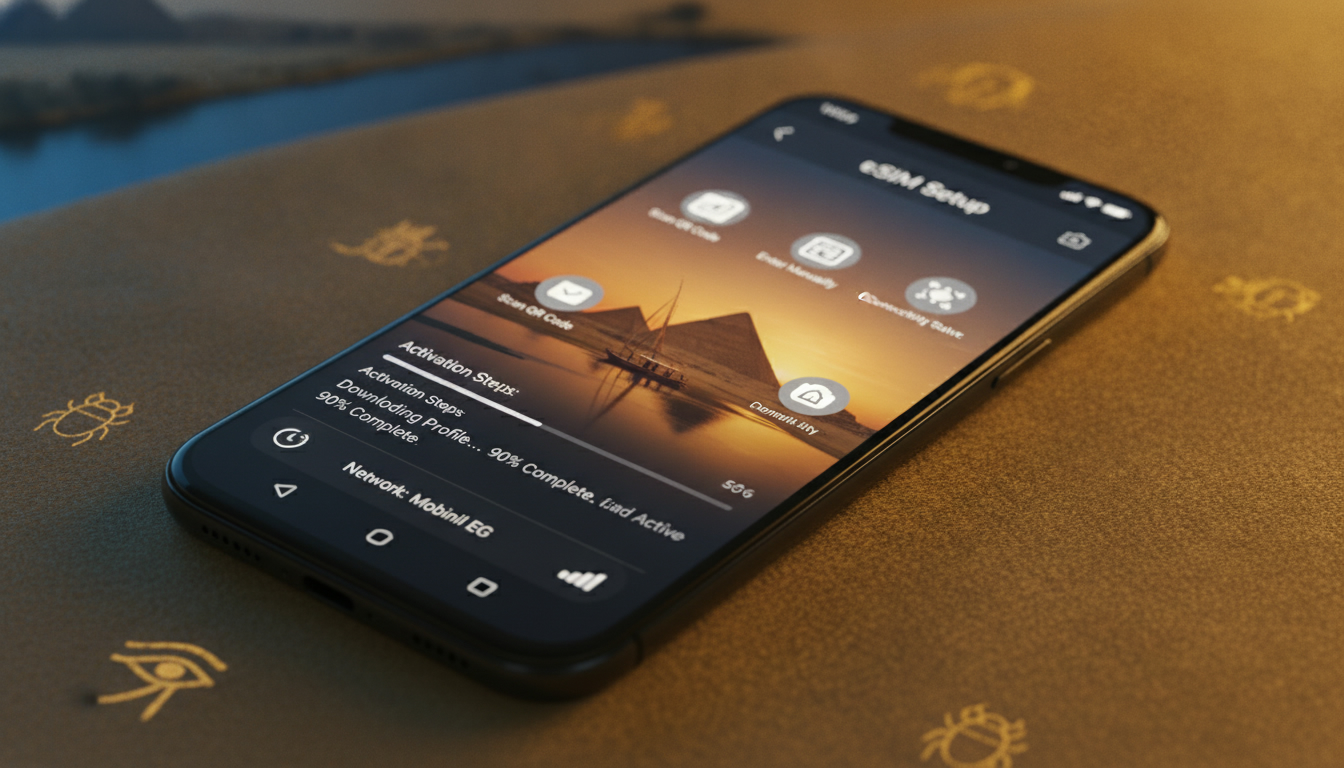
In short, what you'll discover in this article:
Learn how to activate an Egypt eSIM effortlessly with step-by-step instructions, discover the best providers, and get tips for instant connectivity during your trip. Stay connected from Cairo to the Red Sea without hassle or roaming fees.
1. Introduction — Why Use an eSIM in Egypt
Traveling to Egypt with an eSIM offers unmatched convenience and flexibility. Unlike traditional SIM cards, an Egypt eSIM activation lets you connect instantly without swapping physical cards.
This means no waiting in airport queues or worrying about losing your SIM. Plus, eSIMs support multiple profiles, so you can keep your home number active while using a local Egyptian plan.
1.1 Advantages for Travelers (Time-saving, Multi-profiles, Security)
- Time-saving: Activate your plan before arrival and avoid airport SIM stalls.
- Multi-profiles: Manage multiple numbers on one device, ideal for business and personal use.
- Security: Virtual SIMs reduce risks of physical SIM loss or theft and support encrypted connections.
2. Before You Go — Essential Checks
Preparation is key to smooth Egypt eSIM activation. Ensure your device and settings are ready.
2.1 Compatible Devices (Model and OS Version List)
Most modern smartphones support eSIMs, but compatibility varies:
- Apple iPhones: iPhone XS and later models running iOS 12.1+ support eSIM.
- Google Pixel: Pixel 3 and newer with Android 10+.
- Samsung Galaxy: S20 series and above with One UI supporting eSIM.
- Other brands like Huawei and Motorola are gradually adding support; check your model’s specs.
2.2 Carrier Lock and Preparations (Backup, Remove Physical SIM)
- Confirm your phone is unlocked from any carrier restrictions.
- Backup contacts and data before switching profiles.
- Remove or keep your physical SIM depending on whether you want dual SIM functionality.
3. Where to Buy an eSIM for Egypt
Choosing the right provider ensures reliable service throughout your trip.
3.1 Options — Local Operators vs International eSIM Providers
- Local operators like Orange Egypt, Vodafone Egypt, Etisalat (e&), and WE offer official eSIM plans with strong coverage.
- International providers sell Egypt eSIMs online with instant activation and flexible data plans ideal for tourists.
3.2 How to Choose a Plan (Duration, Data Volume, 4G/5G Speed)
Consider these factors:
- Length of stay — select plans matching your travel duration.
- Data needs — unlimited vs limited data plans.
- Network speed — prefer 4G LTE or 5G for faster browsing.
- Price and activation ease.
For example, Orange Egypt’s eSIM provides convenient virtual SIM activation without physical cards.
4. Activation of an eSIM in 6 Steps (Universal Guide)
Activating your Egypt eSIM is straightforward if you follow these steps carefully.
4.1 Receiving and Scanning the QR Code / Activation Code
- Purchase your eSIM online or at a store.
- Receive a QR code via email or app.
- Connect to WiFi before scanning the QR code on your device.
4.2 Activation on iPhone (iOS Specific Settings)
- Open Settings > Cellular or Mobile Data.
- Tap Add Cellular Plan.
- Scan the QR code provided by the operator.
- Label your plan (e.g., “Egypt Travel”).
- Set default line preferences for calls and data usage.
4.3 Activation on Android (Procedure by Manufacturer/Version)
Steps vary but generally:
- Go to Settings > Network & Internet > Mobile Network.
- Select Add Carrier or Add eSIM.
- Scan the QR code or enter activation details manually.
- Confirm activation and set preferences.
4.4 APN Configuration and Connection Test
Most providers auto-configure APN settings; if not:
- Enter APN details manually from provider instructions.
- Test connectivity by browsing or calling.
5. Common Issues and Quick Fixes
Even with smooth setups, some problems may arise.
5.1 Frequent Error Messages and Actions (No Network, Invalid Profile)
- No network: Restart device or toggle airplane mode.
- Invalid profile: Re-scan QR code or contact provider support.
- Activation failed: Check device compatibility or carrier lock status.
5.2 When to Contact Support and What Info to Provide
If issues persist:
- Provide device model, OS version, error message screenshots.
- Share purchase details like order number or QR code info.
6. Coverage and Performance in Egypt
Understanding network reach helps optimize your experience.
6.1 Coverage Map by Operator, 4G vs 5G, Tips for Rural Areas
- Major cities like Cairo, Alexandria, Luxor have excellent 4G/5G coverage from all main operators.
- Rural areas may have limited coverage; Vodafone Egypt often leads in remote zones.
- Consider downloading offline maps as backup connectivity.
7. Best Practices and Usage Tips
Maximize your Egypt eSIM experience with these recommendations.
7.1 Managing Multi-eSIM Profiles, Switching, Hotspot Usage, Battery Saving
- Use device settings to switch between profiles easily without removing SIMs.
- Enable hotspot sharing cautiously; monitor data usage.
- Turn off cellular data when not needed to conserve battery life.
7.2 Security and Privacy (Encryption, Avoid Public WiFi Risks)
- Use VPNs when accessing sensitive information over public networks.
- Avoid connecting to unsecured WiFi hotspots; rely on mobile data instead.
9. Conclusion and Recommendations
Activating an Egypt eSIM before your trip ensures seamless connectivity from arrival through departure without roaming fees or physical SIM hassles. For most travelers, local providers like Orange Egypt offer reliable plans with easy online activation, while international sellers provide instant access with flexible options tailored for tourists.
Prepare by checking device compatibility and unlocking status early to enjoy the fastest Egypt eSIM activation process. Stay connected effortlessly across Egypt’s iconic destinations with confidence!
For more detailed comparisons of plans and providers visit egypt-esim.com.
FAQ
How do I activate an Egypt eSIM before traveling?
To activate an Egypt eSIM before your trip, purchase a plan online from a local or international provider, receive a QR code via email, then scan it on your compatible device under cellular settings. This lets you connect instantly upon arrival without swapping physical SIM cards.
Which devices support Egypt eSIM activation?
Most modern smartphones support Egypt eSIM activation, including iPhone XS or later with iOS 12.1+, Google Pixel 3 and newer with Android 10+, and Samsung Galaxy S20 series or above. Always check your device’s compatibility and carrier unlock status before purchase.
What are the best providers for Egypt eSIM plans?
Top providers include local operators like Orange Egypt, Vodafone Egypt, Etisalat, and WE, offering strong coverage and official plans. International eSIM sellers also provide flexible data packages with instant online activation, ideal for tourists seeking convenience.
What should I do if my Egypt eSIM activation fails?
If activation fails, restart your device or toggle airplane mode. Re-scan the QR code and verify device compatibility and carrier lock status. If problems persist, contact provider support with your device model, OS version, and purchase details for assistance.
Can I use multiple eSIM profiles on one phone in Egypt?
Yes, many devices support multiple eSIM profiles allowing you to manage home and local Egyptian numbers simultaneously. You can switch between profiles easily in settings, which is useful for balancing personal and business communications while traveling.

Omar Hassan
Omar is a travel-tech writer covering North Africa and the Middle East. At Egypt eSIM he tests Vodafone, Orange and Etisalat coverage from Cairo to the Red Sea.