How to Get an eSIM in Egypt in 2026 Step by Step
7/7/2026
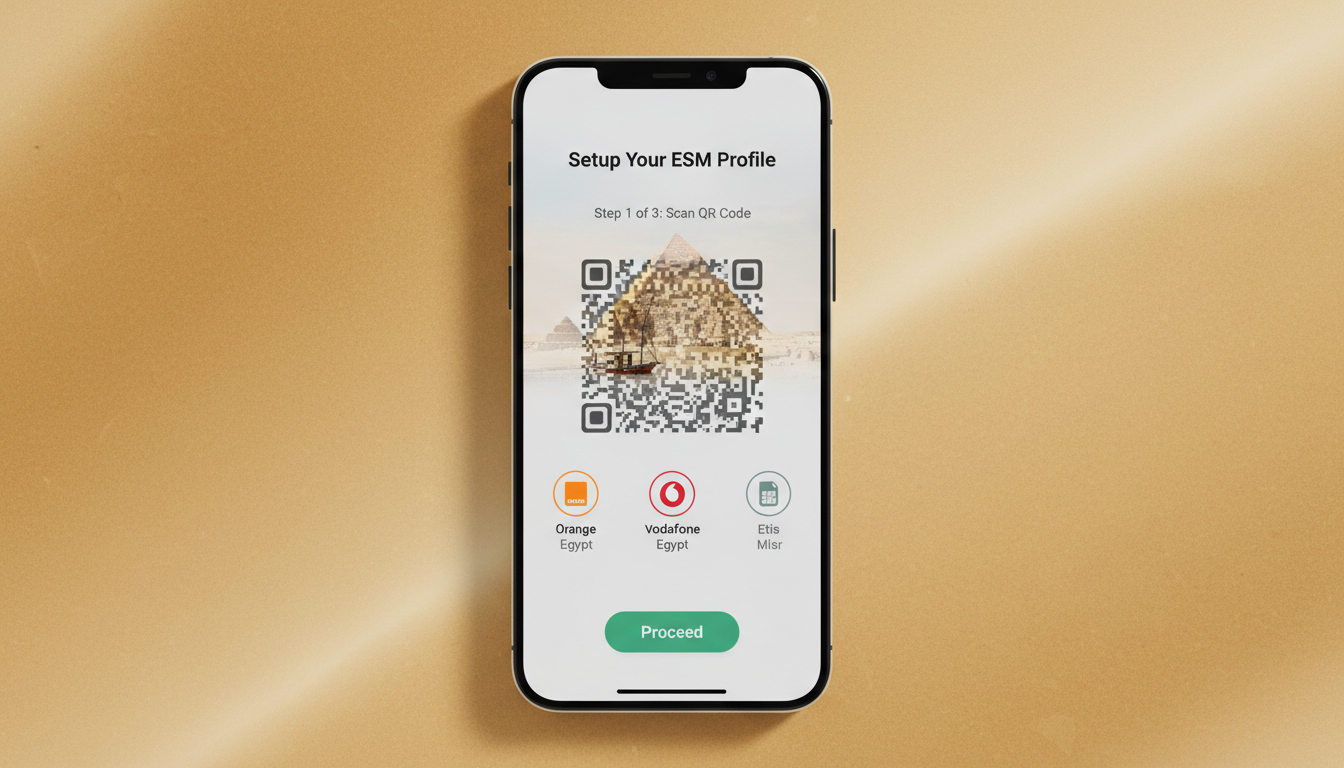
In short, what you'll discover in this article: how to get an eSIM in Egypt with ease, the top mobile carriers offering eSIMs, where to buy one, and a step-by-step activation guide. Stay connected effortlessly during your Egyptian adventure with the best tips and options.
1. Introduction
If you're wondering how to get an eSIM in Egypt, you're in the right place. Whether you want to avoid physical SIM cards or need instant connectivity upon arrival, Egypt offers several convenient options.
This guide covers everything from providers and prices to activation steps, ensuring you stay online from Cairo to Luxor without hassle.
2. Overview: What Is an eSIM and Why Use It in Egypt?
An eSIM (embedded SIM) is a digital SIM card built into your phone that lets you activate a cellular plan without inserting a physical card. In Egypt, using an eSIM means:
- Instant activation without visiting stores
- Multiple plans on one device for flexibility
- No need to swap SIMs when traveling within Egypt or internationally
- Easy management of data plans via apps
For travelers, this means seamless connectivity for navigation, communication, and safety without the usual SIM card fuss.
3. Who Offers eSIMs in Egypt? (Overview)
Several major Egyptian carriers provide eSIM services, each with different plans and coverage. The top mobile carriers offering eSIMs in Egypt include:
3.1 Vodafone Egypt
Vodafone Egypt supports eSIM for both new and existing customers. They offer prepaid and postpaid plans with various data packages suitable for tourists and residents alike.
Prices vary depending on data volume and validity period.
3.2 Orange Egypt
Orange Egypt allows customers to get an eSIM through their My Orange app or by visiting retail stores. Their plans include flexible data bundles with competitive pricing.
Orange also offers multiple benefits like dual-SIM functionality and easy top-ups.
3.3 Etisalat Misr (e&)
Etisalat Misr provides eSIM activation via their app or physical stores. Their offerings include prepaid data plans tailored for short-term visitors and long-term users, with good network coverage across urban and rural areas.
4. Where to Buy an eSIM in Egypt
4.1 Online Purchase (Operator Websites / International Resellers)
You can conveniently buy an eSIM online before or after arriving in Egypt through official carrier websites or international platforms like Airalo and Revolut. These services provide instant QR codes for activation, ideal for last-minute travelers.
4.2 In-Store / Airport Purchase — Pros and Cons
Buying an eSIM at airports or local shops gives you personal assistance but may involve queues or limited plan choices. Online purchases offer speed and variety but require internet access for activation.
5. How to Buy and Activate an eSIM — Step-by-Step Guide
5.1 Step 1 — Check Device Compatibility
Ensure your smartphone supports eSIM technology. Most recent iPhones (XS and later) and many Android models do, but verify your device’s specifications first.
5.2 Step 2 — Choose the Right Plan (Duration, Data, Calls)
Select a plan that fits your travel length and data needs. Options range from short-term tourist packages to longer validity plans with varying data caps.
5.3 Step 3 — Purchase and Receive QR Code / eSIM Profile
After buying your plan online or in-store, you’ll receive a QR code or activation details via email or app.
5.4 Step 4 — Install on iPhone / Android (Precise Settings)
For iPhone:
- Go to Settings > Cellular > Add Cellular Plan
- Scan the QR code provided
- Label your plan for easy management
For Android:
- Open Settings > Network & Internet > Mobile Network > Advanced > Carrier > Add Carrier
- Scan the QR code or enter details manually
5.5 Step 5 — Test and Configure (APN, Mobile Data, Roaming)
Once installed, test your connection by enabling mobile data and disabling Wi-Fi if needed. Configure APN settings if automatic setup fails, ensuring smooth internet access without roaming charges.
6. Required Documents and Registration (KYC) — What to Expect in Egypt
Egyptian carriers typically require identification such as a passport for registration due to local regulations (Know Your Customer - KYC). Tourists should be prepared to present valid ID when purchasing an eSIM at physical locations.
7. Prices and Plan Comparison — Real Examples
Prices vary widely depending on provider, data volume, and validity period. For instance:
- Roamic offers plans starting at around $2.39 for 3GB valid 7 days.
- Other providers like LinkeSIM or Redtea have competitive options with different durations.
For detailed price comparisons and promo codes like MYBESTSIM20 for discounts, consult the best Egypt eSIM plans page on egypt-esim.com.
8. Device Compatibility and Technical Checks
8.1 How to Know if Your Phone Supports eSIM
Check your phone’s model specifications online or in settings under cellular options to confirm eSIM support.
8.2 Differences Between iOS vs Android (Specific Procedures)
While iPhones have a streamlined process via Settings > Cellular, Android devices may vary by manufacturer but generally follow similar steps under Mobile Network settings.
9. Common Issues and Solutions (Troubleshooting)
If you face problems like no signal or failure to activate:
- Restart your device after installation
- Verify APN settings match your carrier’s requirements
- Ensure airplane mode is off
- Contact customer support of your provider for assistance
10. Alternatives to eSIM (Roaming, Physical SIM Card, International eSIM)
If you prefer not to use an eSIM:
- Traditional physical SIM cards are widely available at airports and shops.
- International roaming might be costly but offers convenience.
- Global eSIM providers offer international plans usable in Egypt but may have higher prices.
11. Practical Tips for Tourists and Long-Term Travelers
- Buy your eSIM before arrival if possible for instant connectivity.
- Keep a backup physical SIM if your device supports dual SIM.
- Use apps from carriers like Orange or Vodafone for easy top-ups.
- Always check coverage maps if traveling outside major cities.
12. Conclusion
Getting an eSIM in Egypt is straightforward with multiple reliable options from top carriers like Vodafone, Orange, and Etisalat Misr. Whether buying online or in-store, following the simple activation steps ensures you stay connected throughout your trip hassle-free.
For the best deals tailored to your travel needs, explore egypt-esim.com’s comprehensive guides and comparisons.
For more detailed guidance on purchasing, activating, and managing your Egyptian eSIM during travel, visit https://egypt-esim.com/blog/esim-egypt. To compare current plans with verified promo codes from trusted providers like Roamic or Yesim, check out https://egypt-esim.com/blog/esim-plans-egypt-guide. If you're ready to buy now with expert tips on activation, see https://egypt-esim.com/blog/buy-esim-egypt.
FAQ
How can I buy an eSIM before arriving in Egypt?
You can purchase an eSIM online through official carrier websites or international resellers like Airalo and Revolut. This allows you to receive a QR code instantly, enabling activation as soon as you land in Egypt for seamless connectivity.
Which Egyptian carriers offer eSIM services?
The main carriers providing eSIMs in Egypt are Vodafone Egypt, Orange Egypt, and Etisalat Misr. Each offers various prepaid and postpaid plans suitable for tourists and residents, with options to buy via apps or physical stores.
What documents are needed to register an eSIM in Egypt?
Egyptian carriers require identification such as a valid passport for Know Your Customer (KYC) registration. Tourists should be ready to present their ID when purchasing an eSIM at physical locations to comply with local regulations.
How do I activate an eSIM on my iPhone or Android device?
After purchasing, scan the provided QR code via your phone’s cellular settings. On iPhone, go to Settings > Cellular > Add Cellular Plan; on Android, navigate to Settings > Network & Internet > Mobile Network > Add Carrier. Follow prompts to complete activation.
What should I do if my eSIM fails to activate or connect?
Try restarting your device and verifying APN settings match your carrier’s requirements. Ensure airplane mode is off. If issues persist, contact your provider’s customer support for assistance with troubleshooting and activation problems.

Omar Hassan
Omar is a travel-tech writer covering North Africa and the Middle East. At Egypt eSIM he tests Vodafone, Orange and Etisalat coverage from Cairo to the Red Sea.