Best Mobile Data Egypt Tourist Plans to Stay Connected in 2026
7/13/2026
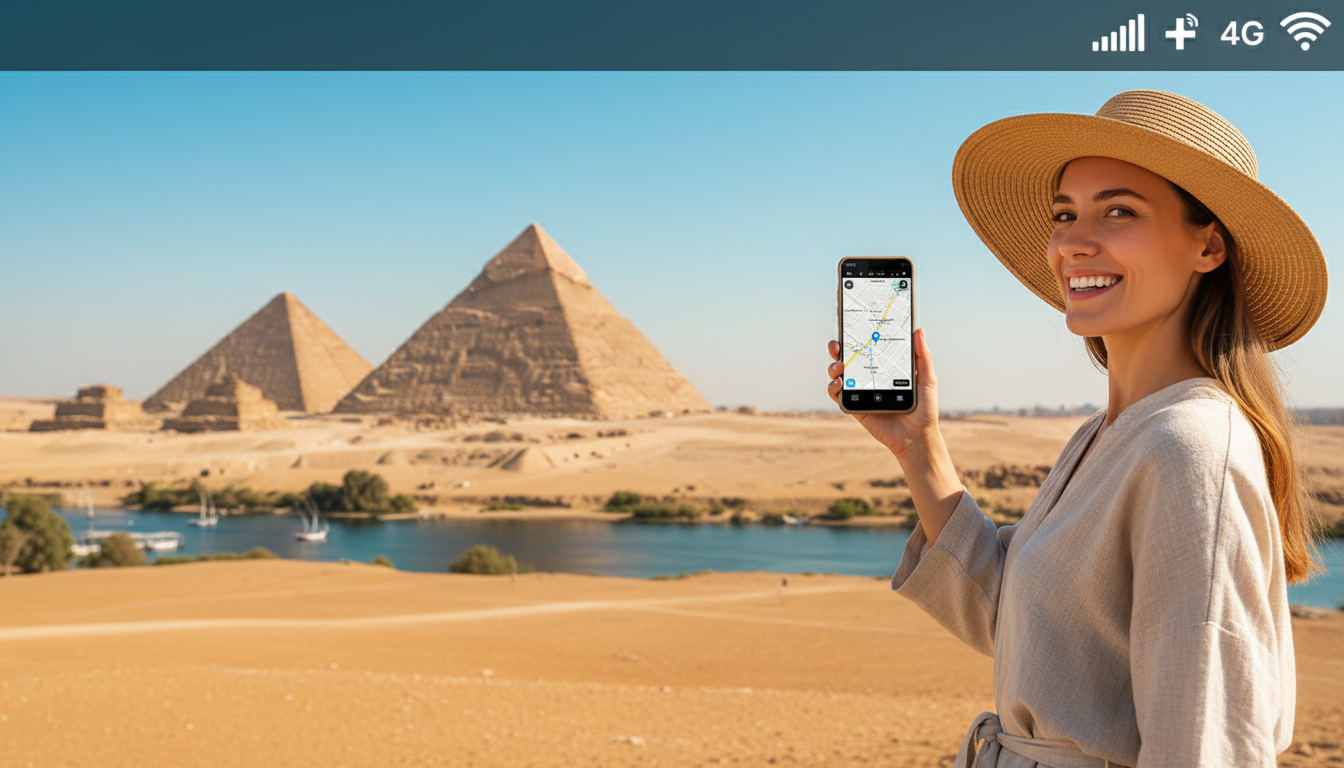
In short, what you'll discover in this article:
Explore the best mobile data options for tourists visiting Egypt. Learn about local SIM cards, eSIM plans, where to buy them, and how to activate your connection quickly to stay online affordably and reliably throughout your trip.
1. Quick Summary — Which Mobile Data Option to Choose Based on Your Stay Duration
Choosing the right mobile data plan in Egypt depends largely on how long you plan to stay and your usage needs. For short visits under a week, prepaid SIM cards with limited data might be enough.
Medium stays benefit from flexible 14-30 day plans with moderate data. Long trips or heavy users should consider plans offering larger data volumes or unlimited options, including eSIMs for convenience.
2. Available Options
2.1 Local SIM Card — How It Works
A tourist SIM card in Egypt is a prepaid physical SIM that you can buy upon arrival or at local stores. It offers affordable data packages tailored for visitors without long-term contracts.
You insert the SIM into your phone, activate it with the provider’s instructions, and start using mobile internet immediately.
2.2 eSIM — Who It’s For, Compatibility, and Benefits
The eSIM is a digital SIM embedded in many modern smartphones like the latest iPhones and Android devices. It allows instant activation without swapping physical cards, making it ideal for travelers who want hassle-free connectivity from the airport or before arrival.
eSIMs often come with competitive prices and flexible plans but check your phone’s compatibility first.
2.3 Roaming With Your Home Operator — Costs and When to Avoid It
Using your home carrier’s roaming service in Egypt can be convenient but often expensive due to high roaming fees and limited data allowances. It’s generally best to avoid roaming unless you have a special international plan or only need minimal connectivity.
3. Where to Buy
3.1 At the Airport (Pros and Cons)
Buying a SIM card at Egyptian airports is convenient for immediate connectivity upon arrival. However, prices may be higher than in city shops, and options could be limited.
Still, it’s a good choice if you want quick access without searching around.
3.2 Official Operator Stores (Vodafone, Orange, Etisalat) — What to Ask For
Visiting official stores of major providers like Vodafone Egypt, Orange, or Etisalat ensures you get genuine SIM cards with verified plans. Ask specifically for Egypt prepaid SIM cards for travelers or tourist packages that include data bundles suitable for your stay length.
3.3 Online Purchase / eSIM Marketplaces
For convenience, you can buy an eSIM online before traveling from reputable platforms offering instant activation and competitive prices. This option saves time at arrival and lets you compare plans easily.
4. Recommended Plans and Price/Data Comparison
4.1 Short Stay Plans (1–7 Days)
For brief trips, look for prepaid packages offering around 3 GB of data valid for a week at affordable rates from providers like eSIM.dog or LinkeSIM.
4.2 Medium Stay Plans (8–30 Days)
Visitors staying up to a month can opt for plans with 3 GB or more lasting 14 to 30 days from providers such as Roamic or eSIM4Travel, which balance price and volume well.
4.3 Long-Term and Heavy Use Plans (Streaming, Work)
If you plan heavy internet use or extended stays, consider unlimited or high-volume data plans from top providers like Roamic or Orange Travel that offer reliable coverage across Egypt.
5. Coverage and Performance
5.1 Coverage in Tourist Areas (Cairo, Giza, Luxor, Aswan, Sinai)
Egypt’s main tourist destinations enjoy strong mobile data coverage from all major operators including Vodafone Egypt and Orange. You can expect good speeds in cities and popular sites like the Pyramids of Giza or Luxor temples.
5.2 Tips for Rural Areas and Nile Cruises
Coverage may be patchy in remote rural zones or on Nile cruises; it’s wise to download offline maps beforehand and consider providers known for better rural reach if you plan extensive travel outside cities.
6. Activation and Troubleshooting
6.1 SIM Activation and APN Setup — Step-by-Step
Activating your local SIM usually involves inserting it into your phone and following SMS prompts or dialing a code provided by the operator. Setting the correct Access Point Name (APN) ensures internet works smoothly.
6.2 eSIM Activation — QR Codes, Common Errors, and Fixes
Activating an eSIM requires scanning a QR code sent by your provider or entering details manually in your phone settings. Common issues include incorrect QR scanning or network settings; restarting the device often resolves these.
6.3 Troubleshooting Common Problems (No Internet, Slow Speeds)
If you experience no internet access or slow speeds, check signal strength first, verify APN settings, restart your phone, or contact customer support of your provider.
7. Practical and Legal Aspects
7.1 Required Documents and SIM Registration
Egyptian law mandates registering prepaid SIM cards with valid ID such as a passport at purchase time to activate service legally.
7.2 Payment Methods (Cash, Card, Mobile Money) and Security
Most vendors accept cash; some official stores also take credit/debit cards securely. Avoid sharing personal info unnecessarily when paying.
8. Safety Tips and Optimization
8.1 Use a VPN; Avoid Risky Public Hotspots
To protect your data privacy while using mobile internet abroad in Egypt, use a trusted VPN service especially when connecting through public Wi-Fi hotspots.
8.2 Tethering Tips; Data Management and Savings (Offline Maps, Compression)
Sharing your mobile data via hotspot can help other devices stay connected but monitor usage carefully to avoid extra charges. Use offline maps apps and enable data compression features to stretch your plan further.
9. Conclusion and Quick Recommendations Checklist Before Departure
To stay connected affordably during your Egyptian trip:
- Choose between a local prepaid SIM card or an eSIM based on device compatibility and convenience.
- Buy at official stores or reliable online platforms for best deals.
- Pick a plan matching your trip length: short-term tourists should opt for smaller bundles; longer stays require larger data volumes.
- Register your SIM with valid ID upon purchase.
- Activate promptly using provided instructions.
- Use VPNs for security.
- Download offline resources before exploring rural areas.
For detailed activation steps on eSIMs in Egypt visit how to get eSIM in Egypt which offers comprehensive guidance tailored for tourists.
For travelers seeking the best mobile data plans tailored specifically for Egypt visitors, platforms like MyBestSim provide up-to-date comparisons including promo codes such as MYBESTSIM that can save you money on unlimited plans from providers like Roamic or Orange Travel—making it easier than ever to stay connected without overspending during your adventure in Egypt!
FAQ
What is the best mobile data option for short visits in Egypt?
For short visits under a week, prepaid local SIM cards with around 3 GB of data are ideal. They offer affordable rates and easy activation, perfect for tourists needing basic internet access without long-term commitments.
How do I activate an eSIM for use in Egypt?
To activate an eSIM, scan the QR code provided by your eSIM provider or enter the details manually in your phone’s settings. Restart your device if you encounter issues, and ensure your phone supports eSIM functionality before purchase.
Where can tourists buy prepaid SIM cards in Egypt?
Tourists can buy prepaid SIM cards at Egyptian airports for convenience, official operator stores like Vodafone or Orange for verified plans, or online from eSIM marketplaces to activate before arrival.
Is roaming with my home carrier a good option in Egypt?
Roaming with your home carrier is usually expensive due to high fees and limited data. It’s best to avoid roaming unless you have a special international plan or only need minimal connectivity during your stay.
What should I do if my mobile data connection is slow or not working?
Check your signal strength and verify APN settings first. Restart your phone and, if problems persist, contact your provider’s customer support. Ensuring correct SIM activation and settings usually resolves most connectivity issues.

Omar Hassan
Omar is a travel-tech writer covering North Africa and the Middle East. At Egypt eSIM he tests Vodafone, Orange and Etisalat coverage from Cairo to the Red Sea.