How to Use T-mobile Inflight Internet for Seamless Travel
8/7/2026
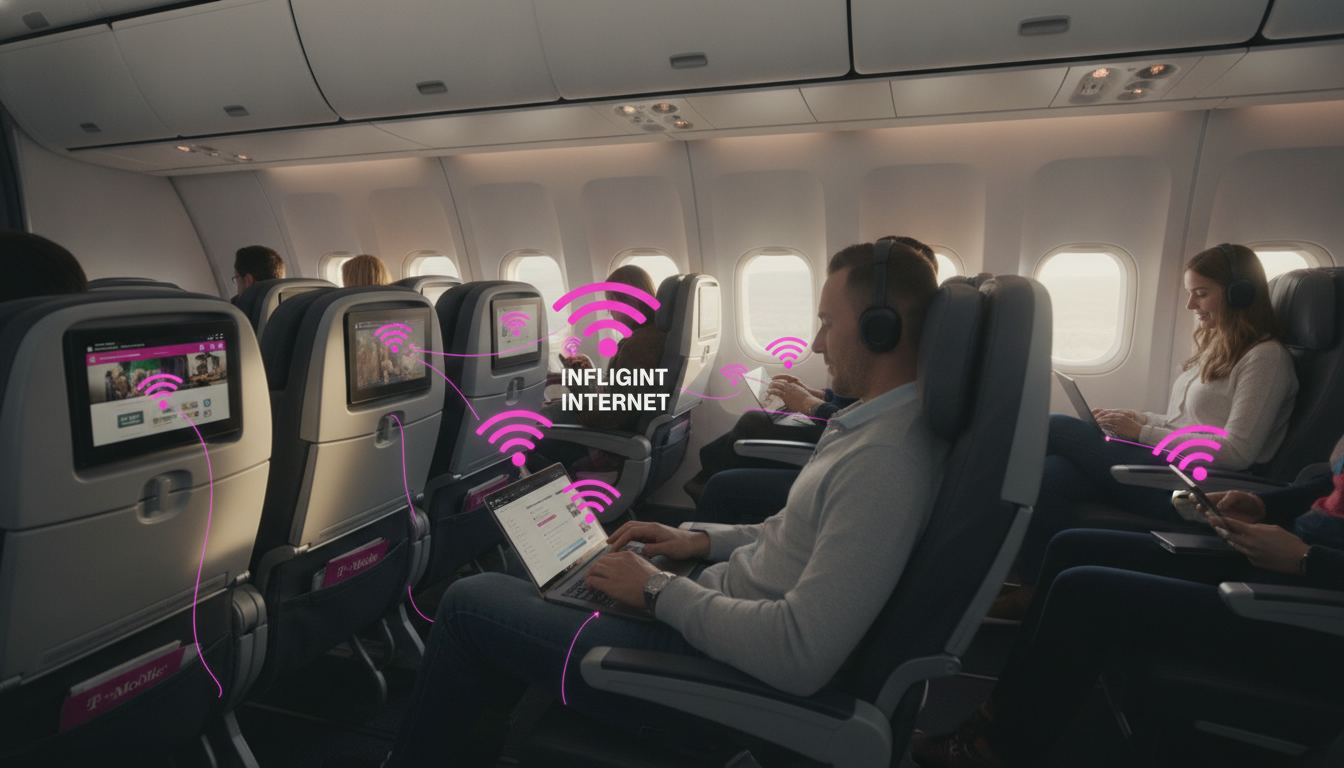
In short, what you'll discover in this article: Learn how the T-Mobile inflight internet service works, which airlines support it, and how to connect seamlessly during your flight. Get insights on costs, coverage, performance tips, and security to stay connected in the sky.
1. Introduction — What Is T-Mobile Inflight Internet?
T-Mobile inflight internet is a service that allows T-Mobile customers to stay connected to the internet while flying. Unlike traditional inflight Wi-Fi that often requires separate purchases, T-Mobile offers special benefits on select airlines, including free or discounted access to Wi-Fi, unlimited texting, and streaming during flights.
This service is designed to keep travelers productive and entertained by providing reliable connectivity above the clouds.
2. How It Works — Technology and Key Players
2.1 Types of Inflight Connection (Satellite vs Air-to-Ground vs Hybrid)
Inflight internet relies on different technologies:
- Satellite-based connections use satellites orbiting Earth to beam internet signals directly to airplanes. This method offers wide coverage over oceans and remote areas.
- Air-to-ground (ATG) connections link planes to ground cell towers via radio signals, providing faster speeds but limited coverage mainly over land.
- Hybrid systems combine satellite and ATG technologies to optimize coverage and speed depending on the flight path.
T-Mobile’s inflight internet partnerships typically leverage these technologies through airline providers.
2.2 Role of T-Mobile and Partners/Suppliers
T-Mobile partners with major airlines such as Delta, Alaska Airlines, Hawaiian Airlines, and Southwest Airlines to sponsor free or discounted inflight Wi-Fi for its customers. The carrier collaborates with inflight connectivity providers who operate the onboard Wi-Fi systems using satellite or ATG tech.
This partnership enables T-Mobile users on eligible flights to stream content, send texts, and browse without extra charges beyond their phone plans.
3. Coverage and Supported Airlines
3.1 List of Airlines and Compatible Aircraft Models
Currently, T-Mobile inflight internet benefits are available on flights operated by:
- Delta Air Lines
- Alaska Airlines
- Hawaiian Airlines
- Southwest Airlines
These airlines equip many of their aircraft with compatible Wi-Fi systems that support T-Mobile’s sponsored connectivity offers. However, availability depends on the specific aircraft model and route.
3.2 How to Check Your Flight’s Eligibility
To verify if your upcoming flight supports T-Mobile inflight internet:
- Visit T-Mobile’s official support page for inflight connections.
- Enter your flight details or airline name.
- Confirm if your flight is among those offering free or discounted Wi-Fi access for T-Mobile customers.
Checking eligibility before your trip ensures you know what connectivity options are available onboard.
4. Plans, Costs, and Access Terms
4.1 Packages, Pricing, and Billing Policies (Sample Examples)
T-Mobile includes inflight Wi-Fi benefits as part of certain Magenta phone plans:
- Up to 4 full-flight unlimited data sessions per calendar year.
- Unlimited texting during flights.
- One-hour free Wi-Fi sessions available on some flights even without a qualifying plan.
These perks mean many users can enjoy inflight internet at no additional cost beyond their existing plan fees.
4.2 What’s Included vs Limitations (Throttling, Traffic Prioritization)
While the service offers generous data allowances, some limitations apply:
- Speeds may be throttled during peak usage periods.
- Streaming quality might be adjusted to manage bandwidth.
- Priority traffic is given to essential services like messaging over heavy downloads.
Understanding these terms helps set realistic expectations for your inflight experience.
5. User Experience and Performance
5.1 Speed and Latency Tests — Methodology and Results
Independent tests show that T-Mobile inflight internet speeds vary based on flight altitude, technology used (satellite vs ATG), and network congestion. Typical download speeds range from moderate to good enough for browsing and streaming standard-definition video.
Latency is higher than ground networks but sufficient for messaging apps and light web use.
5.2 Tips to Improve Your Experience (Preloading Content, Device Choice, Flight Timing)
To maximize your inflight internet experience:
- Preload important documents or videos before boarding.
- Use devices known for strong Wi-Fi reception.
- Connect early in the flight when fewer passengers are online.
- Close unused apps that consume bandwidth in the background.
These steps help ensure smoother connectivity during your journey.
6. Security and Privacy
6.1 Risks of Inflight Networks and Best Practices (VPN, HTTPS, Permission Management)
Inflight Wi-Fi networks are public by nature, which can expose users to security risks such as data interception or unauthorized access. To protect yourself:
- Use a reliable VPN service when accessing sensitive information.
- Ensure websites use HTTPS encryption.
- Limit app permissions that request unnecessary data access.
- Avoid logging into critical accounts over unsecured connections.
Following these best practices safeguards your privacy while flying.
7. Comparison With Competitors
7.1 Strengths and Weaknesses Compared to Gogo, Verizon, Starlink, and Others
T-Mobile’s inflight internet stands out by offering free or included access for its customers on select airlines—a significant advantage over competitors like Gogo or Verizon that often require separate purchases per flight.
However:
- Coverage is limited to partner airlines.
- Speeds may not match premium paid services like Starlink Aviation.
- Availability depends heavily on aircraft equipment.
Choosing between providers depends on your airline preferences and connectivity needs during travel.
8. Practical Guide — How to Connect and Troubleshoot
8.1 Steps Before Your Flight (Subscription, Settings, Testing)
Before flying:
- Confirm you have an eligible T-Mobile plan with inflight benefits.
- Update your phone’s software for optimal compatibility.
- Test your device’s Wi-Fi functionality on the ground.
- Review airline-specific instructions regarding onboard Wi-Fi access.
Preparing ahead reduces connection issues once airborne.
8.2 Steps Onboard (Captive Portal Login, Quick Troubleshooting)
Once onboard:
- Enable airplane mode but turn on Wi-Fi.
- Connect to the plane’s Wi-Fi network named by the airline or provider.
- Open your browser; you should be redirected to a captive portal page.
- Follow prompts to authenticate using your T-Mobile credentials or phone number.
- If connection fails:
- Restart Wi-Fi on your device.
- Move closer to cabin areas with better signal if possible.
- Contact onboard crew or T-Mobile customer support for help.
These steps help you get online quickly during your flight.
9. Streaming, Video Calls & Remote Work — Use Case Recommendations
For different inflight activities:
- Streaming: Stick to standard-definition video to avoid buffering due to bandwidth limits.
- Video conferencing: Use audio-only calls when possible; video calls may suffer from latency issues.
- Remote work: Access cloud documents offline first; sync changes when connection is stable.
Planning usage according to network conditions ensures productivity without frustration.
10. Conclusion and Call To Action
T-Mobile inflight internet offers a convenient way for travelers with qualifying plans to stay connected without extra fees on select airlines like Delta and Southwest. By understanding coverage areas, costs, connection steps, and security tips outlined here, you can confidently prepare for seamless online access during your next flight.
Check your flight’s eligibility today via T-Mobile’s official support page and make the most of your travel connectivity!
For travelers heading to Egypt after their flight, consider exploring our detailed guides on how to get an eSIM in Egypt or the ultimate Egypt data plan guide for uninterrupted mobile internet once you land.
FAQ
Which airlines support T-Mobile inflight internet service?
T-Mobile inflight internet is available on select flights operated by Delta Air Lines, Alaska Airlines, Hawaiian Airlines, and Southwest Airlines. Availability depends on the specific aircraft model and route, so checking your flight’s eligibility beforehand is recommended.
How can I check if my flight offers T-Mobile inflight internet?
You can verify your flight’s eligibility by visiting T-Mobile’s official inflight internet support page and entering your flight details or airline name. This helps confirm if free or discounted Wi-Fi access is available for T-Mobile customers on your upcoming flight.
What costs are associated with T-Mobile inflight internet access?
Many T-Mobile Magenta plans include up to four full-flight unlimited data sessions per year and unlimited texting during flights at no extra cost. Some flights also offer one-hour free Wi-Fi sessions even without a qualifying plan, making inflight internet affordable or free for many users.
What technology does T-Mobile use for inflight internet connectivity?
T-Mobile’s inflight internet relies on partnerships using satellite, air-to-ground (ATG), or hybrid systems. Satellite connections provide wide coverage, ATG offers faster speeds over land, and hybrid systems combine both to optimize coverage and speed depending on the flight path.
How can I improve my inflight internet experience with T-Mobile?
To enhance your experience, preload important content before boarding, connect early in the flight, use devices with strong Wi-Fi reception, and close unused apps that consume bandwidth. These tips help ensure smoother connectivity despite typical inflight network limitations.

Omar Hassan
Omar is a travel-tech writer covering North Africa and the Middle East. At Egypt eSIM he tests Vodafone, Orange and Etisalat coverage from Cairo to the Red Sea.