Which Devices Support Quibity eSIM and What Are the Limits in Egypt
10/26/2026
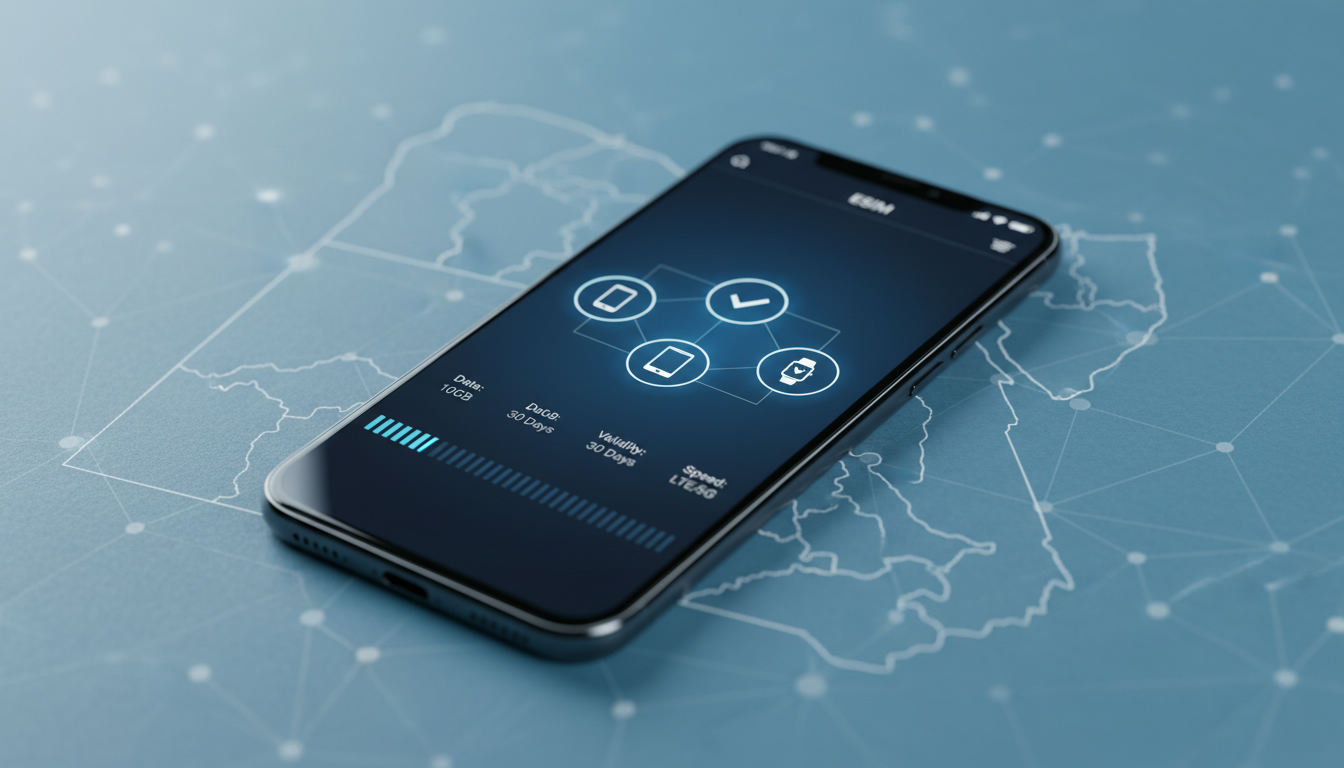
Which Devices Support Quibity eSIM and What Technical Limits Should Travelers Know?
If you’re considering switching to Quibity eSIM for your travel or everyday connectivity, the first question you want answered is: which devices actually support Quibity eSIM technology, and what technical limitations might affect your experience, especially in Egypt? Quibity offers a flexible digital SIM solution that activates instantly via QR code or app, but not every device can use it seamlessly. Understanding device compatibility and setup constraints will save you time and frustration before your trip.
Device Compatibility of Quibity eSIM: What Works and What Doesn’t
Quibity eSIM technology relies on your device’s ability to support embedded SIM profiles, which means only devices with built-in eSIM hardware and compatible operating systems can use it. Here’s what you need to know:
Supported Devices by Platform
- Apple iPhones: Models from iPhone XS, XR, and later support eSIM natively. This includes iPhone 11, 12, 13, 14 series, and newer. Apple uses the GSMA specification SGP.22 for remote provisioning, which Quibity complies with.
- Android Phones: Many recent Android devices support eSIM, but compatibility varies widely by manufacturer and model. Google Pixel 3 and newer generally support eSIM. Samsung Galaxy S20 and later models also include eSIM support but may have regional restrictions.
- Other Devices: Some tablets like the iPad Pro (3rd generation and later) and certain Windows laptops with cellular capabilities support eSIM.
Devices That Do Not Support Quibity eSIM
- Older smartphones without embedded SIM hardware cannot use Quibity eSIM.
- Devices that only accept physical SIM cards or have locked bootloaders restricting eSIM profiles.
- Some Android models sold in specific markets may lack full eSIM functionality due to carrier or manufacturer limitations.
Field Observation:
When activating a Quibity eSIM on an Android device that supports dual SIMs (physical + eSIM), the device often defaults to the physical SIM for calls unless manually switched. This means travelers must check their network settings carefully to avoid unexpected roaming charges or data usage on the wrong SIM.
Technical Limitations When Using Quibity eSIM in Egypt
Egypt presents some unique challenges for travelers relying on international eSIMs like Quibity:
Network Compatibility and Coverage
Quibity partners with local Egyptian operators to provide data coverage, but:
- Not all Egyptian networks fully support remote provisioning of foreign eSIM profiles. This may limit activation speed or require manual intervention.
- The network bands supported by your device must match those used by Egyptian operators such as Vodafone Egypt, Orange Egypt, Etisalat (e&), and WE. For example, if your phone lacks LTE Band 3 (1800 MHz) or Band 20 (800 MHz), you might experience poor coverage in rural areas.
Data Package Restrictions
Quibity offers various data packages tailored for travel, but:
- Some packages have daily or total data caps that reset after a fixed period (e.g., 7 days or 30 days).
- The Quibity app allows you to monitor usage in real-time; however, if your device’s OS does not fully support background data reporting for eSIMs, you might see delayed updates.
Activation Process Constraints
The Quibity eSIM setup process requires scanning a QR code or installing directly via the app. However:
- Devices must be connected to Wi-Fi or have an active cellular connection during activation.
- Some Android devices require manual entry of activation codes if QR scanning fails.
- The embedded SIM profile storage is limited; some devices can only hold one or two active profiles simultaneously. If you already have multiple eSIMs installed, you might need to delete one before adding Quibity.
Field Observation:
Attempting to activate a Quibity eSIM on an iPhone locked to a specific carrier often results in failure because carrier locks prevent installation of third-party profiles. Always verify your device is unlocked before purchase.
How to Check Your Device’s Compatibility with Quibity eSIM
Before purchasing a Quibity plan or attempting activation, follow these steps:
-
Identify Your Device Model and OS Version:
Check if your phone model supports GSMA-compliant remote provisioning (SGP.22). Apple’s official site lists supported iPhones; Android compatibility varies by vendor. -
Verify Carrier Lock Status:
An unlocked device is mandatory for installing third-party eSIM profiles like Quibity’s. -
Check Network Band Support:
Confirm your device supports LTE bands used in Egypt—mainly Bands 3 (1800 MHz), 7 (2600 MHz), 8 (900 MHz), 20 (800 MHz), and others depending on operator. -
Review Installed Profiles:
If your device already has multiple active eSIMs, consider removing unused ones due to storage limits. -
Test QR Code Scanning Capability:
Ensure your camera app or system scanner can read QR codes properly without distortion or glare.
If you want detailed guidance on the activation process itself once compatibility is confirmed, the Quibity help center provides step-by-step instructions including AI chat support on WhatsApp.
Common Technical Pitfalls When Using Quibity eSIM for Travel in Egypt
Travelers often encounter avoidable issues related to technical limits of their devices when using Quibity:
Pitfall #1: Overlooking Device Lock Status
Trying to install an eSIM on a carrier-locked phone leads to errors during profile download or activation refusal by the OS.
Pitfall #2: Ignoring Network Band Mismatch
A device lacking key LTE bands used by Egyptian networks will fall back to slower 3G or no service at all in many areas outside Cairo and Alexandria.
Pitfall #3: Exceeding Profile Storage Limits
Some phones allow only two active eSIM profiles; attempting to add a third without deleting one causes installation failure without clear error messages.
Pitfall #4: Skipping Wi-Fi During Activation
Activation requires internet access; trying to install without Wi-Fi or cellular data results in incomplete setup and no connectivity.
Field Observation:
On iOS devices running older versions of iOS (prior to iOS 14), users may face bugs where the installed profile does not activate automatically after scanning the QR code. Updating iOS resolves this issue reliably.
Benefits of Using Quibity eSIM Despite These Limits
Despite these technical constraints, Quibity offers significant advantages for travelers who prepare properly:
- No physical SIM card needed — ideal for avoiding airport queues or local shops.
- Instant activation via QR code or app interface within less than one minute.
- Coverage across more than 178 countries worldwide with pay-as-you-go data plans.
- No ID verification required during signup simplifies onboarding.
- Real-time dashboard access through the Quibity app lets you manage subscriptions easily.
For travelers heading specifically to Egypt who want seamless connectivity from arrival through their entire stay — including remote areas like Luxor and Aswan — checking device compatibility upfront is crucial. I always start by verifying network band support because even the best plan won’t deliver if your phone can’t connect properly.
If you want more detailed insights about using an Egypt-specific plan with instant activation options, this guide on Egypt eSIM activation explains how local providers compare and how international services like Quibity fit into the picture.
By understanding which devices can handle a Quibity eSIM and recognizing technical limitations such as network band requirements, carrier locks, profile storage limits, and activation conditions, travelers can avoid common pitfalls that disrupt connectivity abroad. The flexibility of digital SIMs like Quibity’s makes them compelling — but only when matched with compatible hardware configured correctly from the start.
FAQ
Which devices are compatible with Quibity eSIM?
Quibity eSIM works on devices with built-in eSIM hardware and compatible OS, such as iPhone XS and later, Google Pixel 3 and newer, Samsung Galaxy S20 and newer, plus some tablets and Windows laptops with cellular support.
What technical limits affect Quibity eSIM use in Egypt?
In Egypt, Quibity eSIM may face activation delays due to limited remote provisioning support, network band mismatches affecting coverage, data package caps, and device storage limits for eSIM profiles.
How can I check if my phone supports Quibity eSIM?
Verify your device model supports GSMA remote provisioning, confirm it is unlocked, check LTE band compatibility with Egyptian networks, review existing eSIM profiles, and test QR code scanning before purchasing.
Why might Quibity eSIM activation fail on some devices?
Activation can fail if the device is carrier-locked, lacks required LTE bands, exceeds eSIM profile storage limits, or if there is no internet connection during setup via QR code or app.
What are the main benefits of using Quibity eSIM for travelers?
Quibity eSIM offers instant activation without physical SIM cards, coverage in over 178 countries, pay-as-you-go plans, no ID verification needed, and easy subscription management through its app.

Omar Hassan
Omar is a travel-tech writer covering North Africa and the Middle East. At Egypt eSIM he tests Vodafone, Orange and Etisalat coverage from Cairo to the Red Sea.