How to Use Internet Check in for Garuda Indonesia Flights in 2026
8/15/2026
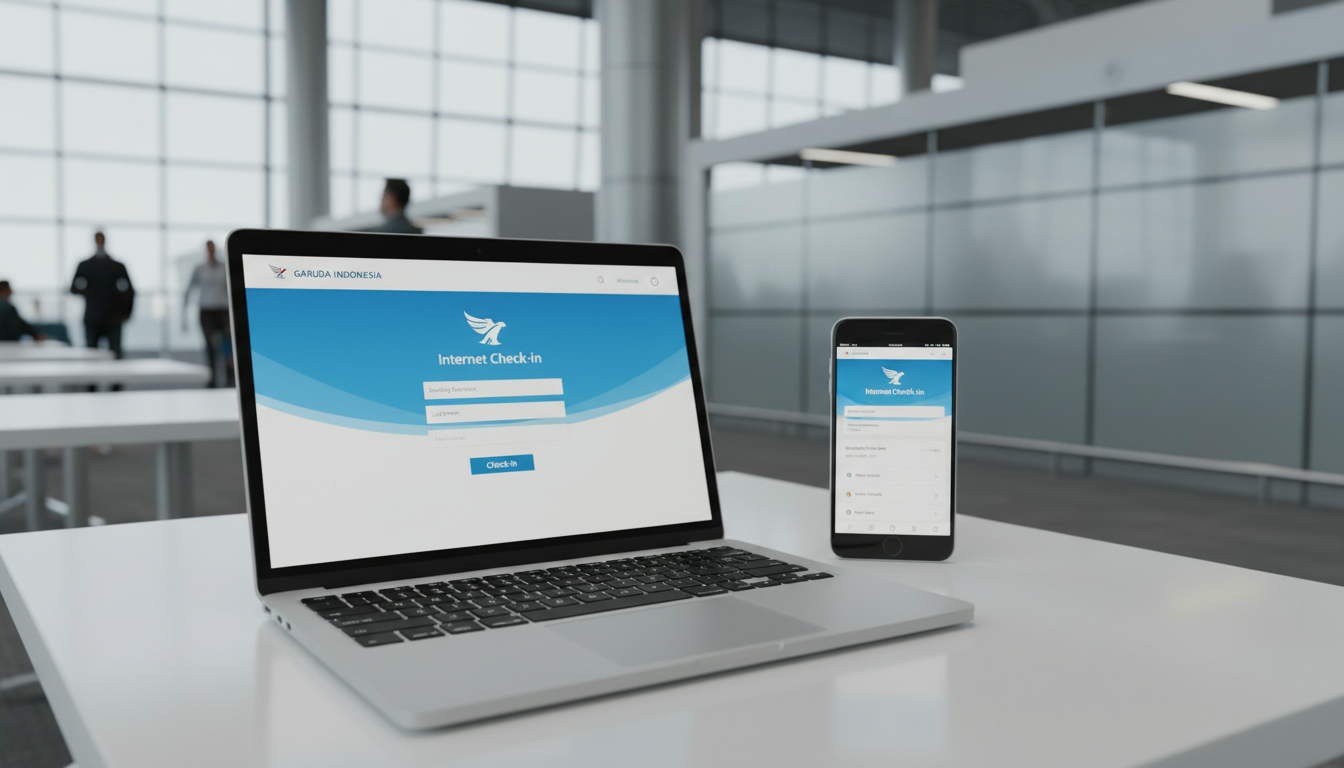
In short, what you'll discover in this article: How to smoothly complete the internet check-in for Garuda Indonesia flights, including timing, required documents, seat selection, and boarding pass retrieval. This guide helps you avoid last-minute airport stress with clear step-by-step instructions.
1. What Is Internet Check-In With Garuda Indonesia?
Internet check-in with Garuda Indonesia allows passengers to check in online before arriving at the airport. This service saves time by letting travelers confirm their attendance, select seats, and obtain boarding passes digitally.
It applies to both domestic and selected international flights, streamlining the airport experience.
Using the Garuda Indonesia online check-in process means you can bypass long queues and head straight to baggage drop or security upon arrival. This convenience is especially valuable for international travelers who want to stay organized and reduce travel anxiety.
2. Prerequisites for Completing Internet Check-In
2.1 Eligible Bookings (Classes, Codeshare, Ticket Types)
Not all tickets qualify for internet check-in. Eligible bookings generally include confirmed and valid e-tickets on Garuda Indonesia-operated flights.
Some codeshare flights may not support online check-in, so verify your flight details carefully.
Typically, economy and business class tickets purchased directly or through authorized agents are eligible. Check your booking code (a 6-character alphanumeric code) to confirm eligibility.
2.2 Required Documents and Information (PNR, Passport, Visa)
To complete the Garuda Indonesia web check-in requirements, you need:
- Your booking reference or PNR (Passenger Name Record)
- The last name as it appears on the ticket
- Valid passport details for international flights
- Visa information if applicable
Having these ready ensures a smooth process without errors or delays.
3. Online Check-In Windows and Opening Hours
3.1 Domestic Flights — Opening and Closing Times
For domestic flights within Indonesia, internet check-in opens 48 hours before departure and closes 2 hours prior to takeoff. It’s best to check in as early as possible within this window to secure preferred seats.
3.2 International Flights — Opening and Closing Times
International flights have a slightly wider window: online check-in opens 48 hours before departure but closes 4 hours before the scheduled flight time. This extra time accounts for additional document verification.
4. Step-by-Step Tutorial — Website
4.1 Accessing the Internet Check-In Page
Start by visiting the official Garuda Indonesia web check-in portal at Web Check in Garuda Indonesia.
4.2 Entering PNR / Last Name / Passenger Details
Input your 6-character booking code and last name exactly as on your ticket. Confirm your flight details appear correctly before proceeding.
4.3 Seat Selection and Baggage Management
You can select or change your seat during this step if available for your fare class. Additionally, declare any checked baggage according to airline policies.
4.4 Downloading or Sending Your Boarding Pass
After completing the steps, download your boarding pass as a PDF or receive it via email/mobile SMS for easy access at the airport.
5. Step-by-Step Tutorial — Garuda Indonesia Mobile App
5.1 Differences From the Web Version
The mobile app offers similar functionality but with added convenience like push notifications and easier boarding pass storage options.
5.2 Saving Boarding Pass in Mobile Wallet
One key advantage of mobile check-in is saving your boarding pass directly into Apple Wallet or Google Pay for quick scanning at airport gates.
6. Common Issues and Quick Solutions
6.1 PNR Not Found / Validation Errors
If your booking code isn’t recognized, double-check spelling and flight details or contact Garuda Indonesia support promptly.
6.2 Boarding Pass Not Generated
Sometimes technical glitches prevent boarding pass issuance; retry after a few minutes or use the mobile app as an alternative.
7. Special Cases to Consider
7.1 Traveling With Children / Infants
Passengers traveling with infants should verify if separate boarding passes are needed and confirm seat assignments during online check-in.
7.2 Passengers Requiring Special Assistance
Notify the airline in advance if you require assistance; some services may not be fully manageable through online check-in alone.
7.3 Groups and Complex Bookings
Large groups or multi-segment itineraries might require special handling; consult customer service to ensure smooth processing.
8. Advantages and Limitations of Internet Check-In
Advantages:
- Saves time at airport counters
- Early seat selection
- Digital boarding pass convenience
- Reduces stress on travel day
Limitations:
- Not available for all flights or ticket types
- Requires internet access
- Some special requests cannot be handled online
9. Practical Tips Before Heading to the Airport
- Complete internet check-in within the allowed window
- Print or save your boarding pass on your phone
- Carry all necessary travel documents (passport, visa)
- Arrive early if you have checked baggage after online check-in
- Confirm baggage drop counters’ locations at your departure airport
10. Useful Resources and Official Links
For official details and assistance:
These resources provide up-to-date information on policies, flight status, and support options.
Additionally, if you’re planning connectivity during your travels in Egypt or elsewhere, consider checking out guides like Egypt eSIM Guide for seamless mobile data solutions.
11. Conclusion and Call to Action
To ensure a hassle-free journey with Garuda Indonesia, complete your internet check-in early using either their website or mobile app. Verify all passenger details carefully and save your boarding pass digitally for easy access at the airport.
Start your trip organized by checking in online today!
FAQ
How early can I check in online for Garuda Indonesia flights?
Online check-in opens 48 hours before departure for both domestic and international flights. For domestic flights, it closes 2 hours before takeoff, while for international flights, it closes 4 hours prior.
What documents do I need to complete Garuda Indonesia online check-in?
You need your booking reference (PNR), last name as on the ticket, valid passport details for international flights, and visa information if applicable to complete the online check-in.
Can I select my seat during Garuda Indonesia internet check-in?
Yes, seat selection is available during the online check-in process depending on your fare class. You can choose or change your seat before finalizing your boarding pass.
What should I do if my PNR is not recognized during check-in?
If your booking code isn’t found, double-check the spelling and flight details. If issues persist, contact Garuda Indonesia customer support for assistance.
Is it possible to save my boarding pass on my phone using Garuda Indonesia’s app?
Yes, the mobile app allows you to save your boarding pass directly to Apple Wallet or Google Pay, making it easy to access and scan at airport gates.

Omar Hassan
Omar is a travel-tech writer covering North Africa and the Middle East. At Egypt eSIM he tests Vodafone, Orange and Etisalat coverage from Cairo to the Red Sea.