How to Buy and Use an eSIM for Egypt in 2026
7/2/2026
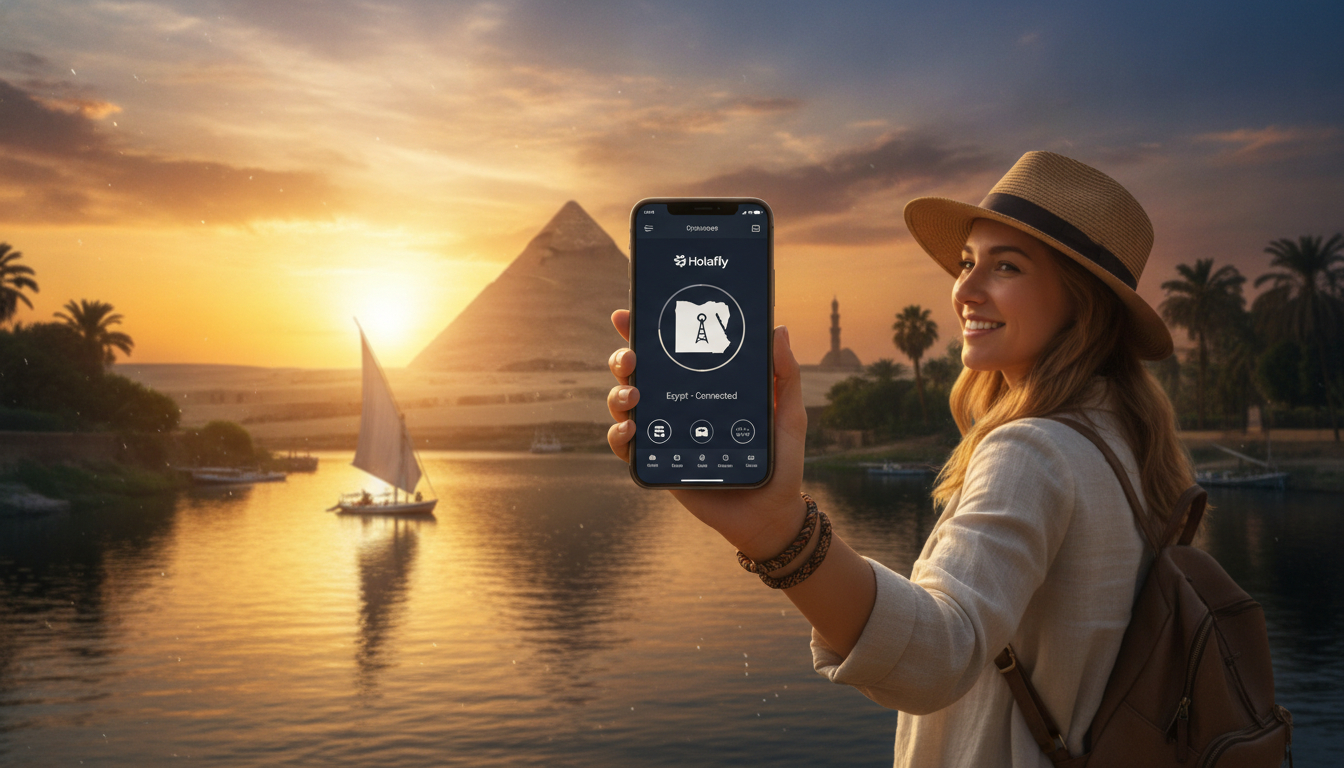
In short, what you'll discover in this article: Learn everything about using an esim egypt for your trip, from the best providers and activation steps to costs and coverage. Stay connected effortlessly across Egypt with expert tips and reliable data plans.
1. Understanding eSIM in Egypt: A Traveler’s Guide
Travelers heading to Egypt often wonder if the compatibility of eSIMs with Egyptian carriers makes it a convenient alternative to physical SIM cards. The good news is that major carriers like Vodafone, Orange, Etisalat (e&), and WE support eSIM technology, allowing you to stay connected without swapping physical cards.
Using an eSIM in Egypt offers several advantages:
- Instant activation via QR code
- No need to visit local stores or deal with language barriers
- Flexible data plans tailored for travelers
- Seamless switching between carriers without changing SIMs
This means you can activate your eSIM before arrival or once you land, ensuring continuous connectivity from Cairo’s bustling streets to the serene Nile banks.
2. The Best eSIM Providers in Egypt
Choosing the best eSIM providers in Egypt depends on your travel needs, data usage, and budget. Top providers include:
- Vodafone Egypt: Known for extensive coverage and reliable speeds.
- Orange Egypt: Offers competitive prepaid plans with hotspot support.
- Etisalat (e&): Provides flexible data packages ideal for tourists.
- WE: Growing network with affordable options.
Each provider supports easy activation through QR codes, which you can scan using your smartphone’s camera or settings menu.
3. How to Activate an eSIM in Egypt
Activating an eSIM is straightforward. Here’s the typical process:
- Purchase an eSIM plan online from a trusted provider.
- Receive a QR code via email or app.
- Open your phone’s settings and select “Add Cellular Plan.”
- Scan the QR code to download the eSIM profile.
- Follow on-screen instructions to complete activation.
You can activate your eSIM either before traveling or immediately upon arrival in Egypt, depending on the provider’s options.
4. The Cost of an eSIM in Egypt
The cost of an eSIM in Egypt varies by provider and data allowance. Generally, prices start as low as €1.99 for basic daily data plans, with options for unlimited data at higher rates.
Factors influencing cost include:
- Data volume (e.g., 1 GB/day vs. unlimited)
- Duration of validity (from 1 day up to 30 days)
- Network quality and speed guarantees
To find the best value, compare plans on dedicated platforms that aggregate offers from Vodafone, Orange, Etisalat, and WE.
5. Benefits of Using an eSIM in Egypt
The benefits of using an eSIM in Egypt extend beyond convenience:
- Avoid roaming fees by using local data plans instantly
- Manage multiple profiles on one device for different countries
- Reduce plastic waste by eliminating physical SIM cards
- Enjoy faster setup without visiting retail stores
These advantages make the eSIM a traveler-friendly choice that enhances your Egyptian adventure.
6. Coverage of eSIM Networks in Egypt
Egypt’s top carriers provide broad coverage across popular tourist destinations such as Cairo, Giza, Luxor, Aswan, and the Red Sea coast. The coverage of eSIM networks in Egypt is generally strong, ensuring reliable internet access for navigation, streaming, and communication.
However, rural areas might experience weaker signals; it’s advisable to check specific coverage maps from providers before choosing your plan.
7. Comparing eSIM and Physical SIM Cards in Egypt
Understanding the difference between eSIM and physical SIM in Egypt helps travelers decide which option suits them best:
| Feature | eSIM | Physical SIM |
|---|---|---|
| Activation | Instant via QR code | Requires store visit |
| Convenience | No card swapping needed | Must insert/remove SIM card |
| Multiple profiles | Supports multiple profiles | Usually single profile |
| Environmental impact | Eco-friendly (no plastic) | Uses plastic SIM cards |
| Compatibility | Requires compatible device | Works with all SIM phones |
For most travelers seeking hassle-free connectivity, the eSIM is the superior choice.
8. Tips for Buying an eSIM in Egypt
To smoothly purchase the process to buy an eSIM in Egypt, follow these tips:
- Research providers offering instant online purchase and activation.
- Verify your device supports eSIM functionality.
- Choose a plan matching your expected data usage and trip length.
- Keep a backup physical SIM if possible for emergencies.
- Use trusted platforms like Egypt eSIM for comparisons and verified offers.
9. Recommended Plans for Tourists Visiting Egypt
Tourists benefit from flexible plans such as:
- Daily data packages starting at around €1 per day
- Monthly unlimited data options for longer stays
- Hotspot-enabled plans for sharing connection with other devices
Selecting a plan depends on your itinerary and internet needs during sightseeing or remote work.
10. Conclusion
Using an esim egypt is a smart way to stay connected effortlessly while exploring this fascinating country. With easy activation, competitive costs, and wide network coverage from leading carriers like Vodafone and Orange, travelers can enjoy seamless internet access without the hassle of physical SIM cards. For detailed comparisons and step-by-step guidance, visit egypt-esim.com to prepare your trip confidently.
Explore more about the best eSIM providers in Egypt or get specific advice tailored for tourists at esim-for-egypt-tourist.
FAQ
Which Egyptian carriers support eSIM technology?
Major Egyptian carriers like Vodafone, Orange, Etisalat (e&), and WE support eSIM technology, allowing travelers to use eSIMs without needing physical SIM cards.
How do I activate an eSIM for use in Egypt?
You activate an eSIM by purchasing a plan online, receiving a QR code, then scanning it in your phone’s settings under 'Add Cellular Plan' to download and activate the eSIM profile.
Can I activate my Egypt eSIM before arriving in the country?
Yes, many providers allow you to activate your eSIM before arrival, ensuring you have connectivity as soon as you land in Egypt without visiting local stores.
What are typical costs for eSIM data plans in Egypt?
eSIM data plans in Egypt start around €1.99 per day for basic packages, with options for unlimited data at higher prices depending on duration and data volume.
How reliable is eSIM network coverage across Egypt?
eSIM networks from top carriers offer strong coverage in major cities and tourist spots like Cairo, Luxor, and the Red Sea coast, though rural areas may have weaker signals.

Omar Hassan
Omar is a travel-tech writer covering North Africa and the Middle East. At Egypt eSIM he tests Vodafone, Orange and Etisalat coverage from Cairo to the Red Sea.