Which Devices Support Free Mobile eSIM and What Are the Limits
10/23/2026
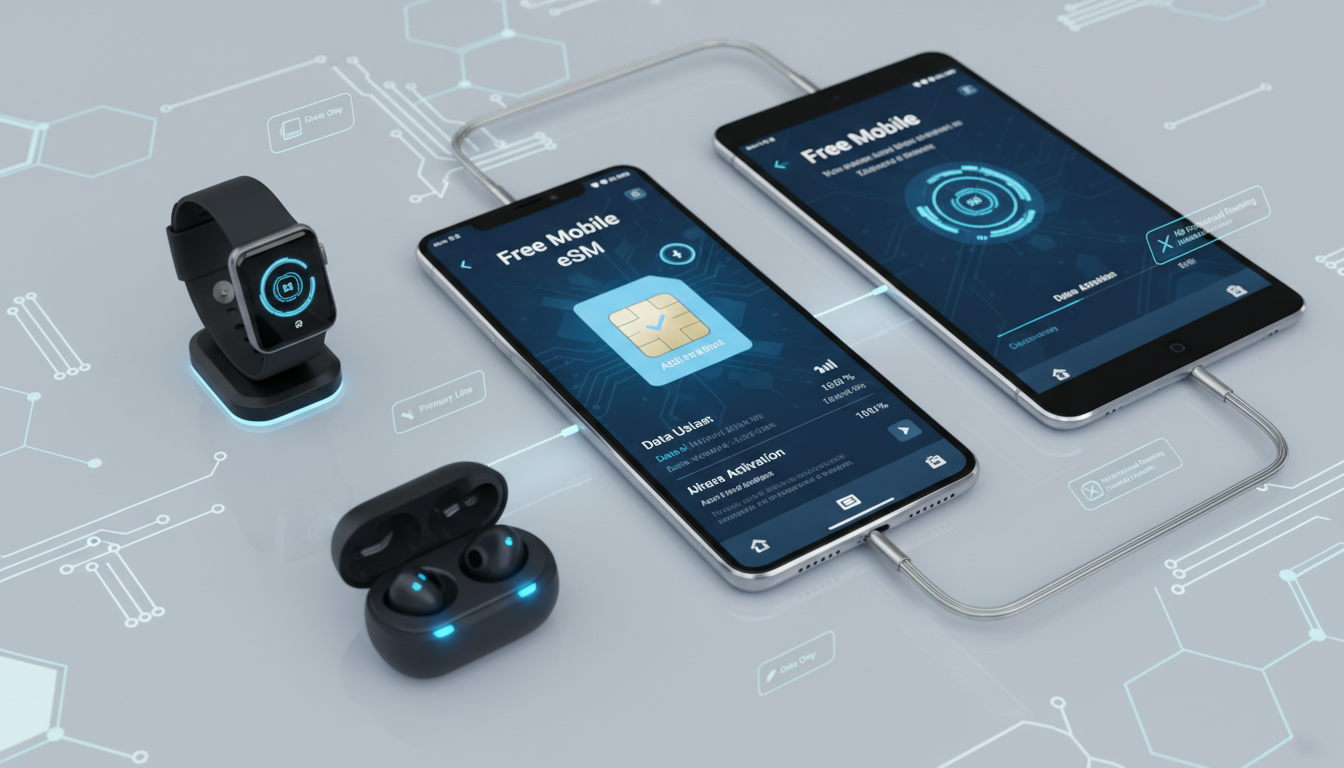
Which Devices Are Compatible With Free Mobile eSIM and What Are the Technical Limits?
Free Mobile offers eSIM technology without extra charges, letting you ditch physical SIM cards for digital convenience. But before you switch, it’s crucial to understand which devices actually support Free Mobile eSIMs and what technical limitations come into play.
I always start by checking device compatibility because not every phone or gadget can handle Free Mobile’s eSIM service, and missing this step can mean wasted time or unexpected hassles.
Supported Devices for Free Mobile eSIM
Free Mobile supports a broad range of devices that are capable of using eSIM technology. The list includes many recent smartphones, tablets, and even some laptops.
Here are some key categories and examples:
Smartphones Compatible With Free Mobile eSIM
- Apple iPhone models from iPhone XS and newer support Free Mobile eSIM activation. This includes the iPhone 11, 12, 13, 14 series, and the latest models.
- Google Pixel phones starting with Pixel 3 and later are compatible.
- Samsung Galaxy devices with eSIM support include Galaxy S20, S21, S22, and newer models.
- Fairphone 4 5G is also listed as compatible by Free Mobile.
Other Devices Supporting Free Mobile eSIM
- Microsoft Surface Duo and Surface Duo 2 tablets support Free Mobile eSIM.
- Nokia G60 5G and X30 5G smartphones have been confirmed compatible.
- Some less common brands like Arrows A101 FC and Nuu X5 also work with Free Mobile’s eSIM service.
This device list is based on official announcements and user reports from Free Mobile forums and telecom news sources. However, device compatibility can depend on the firmware version and regional model variations.
For example, a Samsung Galaxy S21 sold in one country might have different eSIM support than the same model sold elsewhere.
Technical Limitations When Using a Free Mobile eSIM
Understanding the technical boundaries of Free Mobile’s eSIM service helps avoid frustration. Here are some key limitations I’ve observed that come directly from how eSIM technology interacts with devices and network protocols:
Single Active SIM Slot Limitation
Most smartphones that support dual SIM functionality allow either:
- One physical SIM + one eSIM active simultaneously,
- Or two SIMs active if both are eSIMs (rare).
Free Mobile’s eSIM service requires your device to have an unlocked SIM slot to switch between physical SIM and eSIM profiles. If your phone locks SIM slots or restricts switching due to carrier locks or software limitations, you won’t be able to fully utilize the Free Mobile eSIM.
Activation Restrictions
Free Mobile allows activation of an eSIM profile through their customer portal or app. However:
- The activation process requires a stable internet connection on your device to download the eSIM profile.
- You cannot activate multiple Free Mobile eSIM profiles on the same device simultaneously.
- Switching back from an eSIM to a physical SIM requires manual reactivation steps that can take several minutes.
Device Software Compatibility
Some devices require specific OS versions to support remote provisioning of Free Mobile’s eSIM:
- Apple iPhones need at least iOS 12.1 or later for proper activation.
- Android devices generally require Android 10 or higher with carrier-specific updates.
If your device runs outdated software or custom ROMs without official carrier support, you may face activation failures or unstable connections.
How to Use a Free Mobile eSIM: Activation and Management
I always advise users to follow precise steps when switching to a Free Mobile eSIM to avoid common pitfalls like failed activations or loss of connectivity.
Step-by-Step Activation Process
- Check Device Compatibility: Confirm your device model supports Free Mobile’s eSIM by consulting official lists or telecom forums.
- Subscribe or Switch Your Plan: When signing up for a new plan or switching from a physical SIM, choose the “eSIM” option in your Free Mobile account.
- Download the QR Code: After selecting an eSIM plan, you’ll receive a QR code via email or your online account.
- Scan QR Code on Your Device: Use your phone’s settings (usually under Cellular/Mobile Data > Add Cellular Plan) to scan the QR code.
- Activate the Plan: Follow on-screen prompts; activation usually completes within seconds but can take up to 10 minutes depending on network conditions.
- Test Connectivity: Once activated, verify that calls, texts, and data work correctly without interruptions.
Common Mistakes and Their Consequences
A frequent error is trying to activate an eSIM without disabling airplane mode or without internet access on the device. This leads to failed downloads of the profile and wasted attempts requiring customer support intervention.
Another trap is over-tightening security settings during activation—some devices require temporarily lowering VPN or firewall restrictions for successful provisioning.
Benefits of Using a Free Mobile eSIM
Switching to a Free Mobile eSIM comes with several advantages that I find compelling for everyday users:
- No extra cost: Unlike many carriers charging fees for physical SIM replacements or new SIM cards, Free Mobile offers its eSIM service at no additional charge.
- Instant switching: You can switch between plans or devices without waiting for postal delivery of physical cards.
- Space-saving: Eliminates the need for a physical slot, freeing up space in dual-SIM phones for other uses like microSD cards (if supported).
- Remote provisioning: The GSMA specification SGP.22 governs remote provisioning of embedded SIMs like those used by Free Mobile, ensuring secure over-the-air updates.
What You Should Know About Data Plans With Free Mobile eSIM
Free Mobile offers the same data plans whether you use a physical SIM or an eSIM profile. That means no hidden costs or restrictions tied specifically to using an eSIM.
Plans vary widely depending on your needs — from basic data bundles suitable for light users up to unlimited data options for heavy consumers. The key is that once activated on your device via an eSIM profile, your data plan functions identically as it would with a traditional SIM card.
Troubleshooting and Customer Support for Free Mobile eSIM Users
If you encounter issues during activation or usage:
- Use the official Free Mobile customer portal for managing your account and requesting new QR codes if needed.
- Keep in mind that some problems stem from device-specific bugs rather than network faults—updating your phone’s firmware often resolves these issues.
- For persistent problems related to network connectivity after successful activation, contacting Free Mobile customer support is necessary.
I’d advise against trying unofficial third-party apps claiming to manage your Free Mobile eSIM as they often cause conflicts with carrier provisioning protocols.
Internal Resources for Further Reading on Using an eSIM Abroad
For travelers considering using their Free Mobile eSIM while visiting Egypt or other countries, understanding local connectivity options is essential. I recommend checking out guides like Egypt eSIM Guide which explain how to combine international plans with local data offers seamlessly.
Also useful is How to Use an eSIM in Egypt, which covers compatibility nuances when roaming abroad with an embedded SIM profile.
By focusing on device compatibility first and understanding technical limits such as activation requirements and software constraints, you can make an informed decision about switching to a Free Mobile eSIM without surprises. The seamless integration of this technology into supported devices makes managing mobile service simpler — provided you respect these practical boundaries from the start.
FAQ
Which smartphones support Free Mobile eSIM?
Free Mobile eSIM is compatible with Apple iPhones from XS onward, Google Pixel 3 and newer, Samsung Galaxy S20 series and later, and the Fairphone 4 5G. Compatibility depends on device model and firmware version.
What technical limits affect Free Mobile eSIM usage?
Key limitations include single active SIM slot restrictions, the need for an unlocked SIM slot, activation requiring internet access, and device software compatibility such as iOS 12.1+ or Android 10+.
How do I activate a Free Mobile eSIM on my device?
To activate, confirm device compatibility, select the eSIM option when subscribing, download the QR code from your account, scan it via your phone’s settings, and follow prompts to complete activation.
Are there extra costs for using Free Mobile eSIM?
No, Free Mobile offers its eSIM service at no additional charge compared to physical SIM cards. Data plans and pricing remain the same regardless of SIM type.
Can I use Free Mobile eSIM while traveling abroad?
Yes, but roaming compatibility depends on local networks. It’s recommended to check guides on using eSIMs abroad and ensure your device supports international provisioning for seamless connectivity.

Omar Hassan
Omar is a travel-tech writer covering North Africa and the Middle East. At Egypt eSIM he tests Vodafone, Orange and Etisalat coverage from Cairo to the Red Sea.