Starlink Device Compatibility and Technical Limits in 2026
9/21/2026
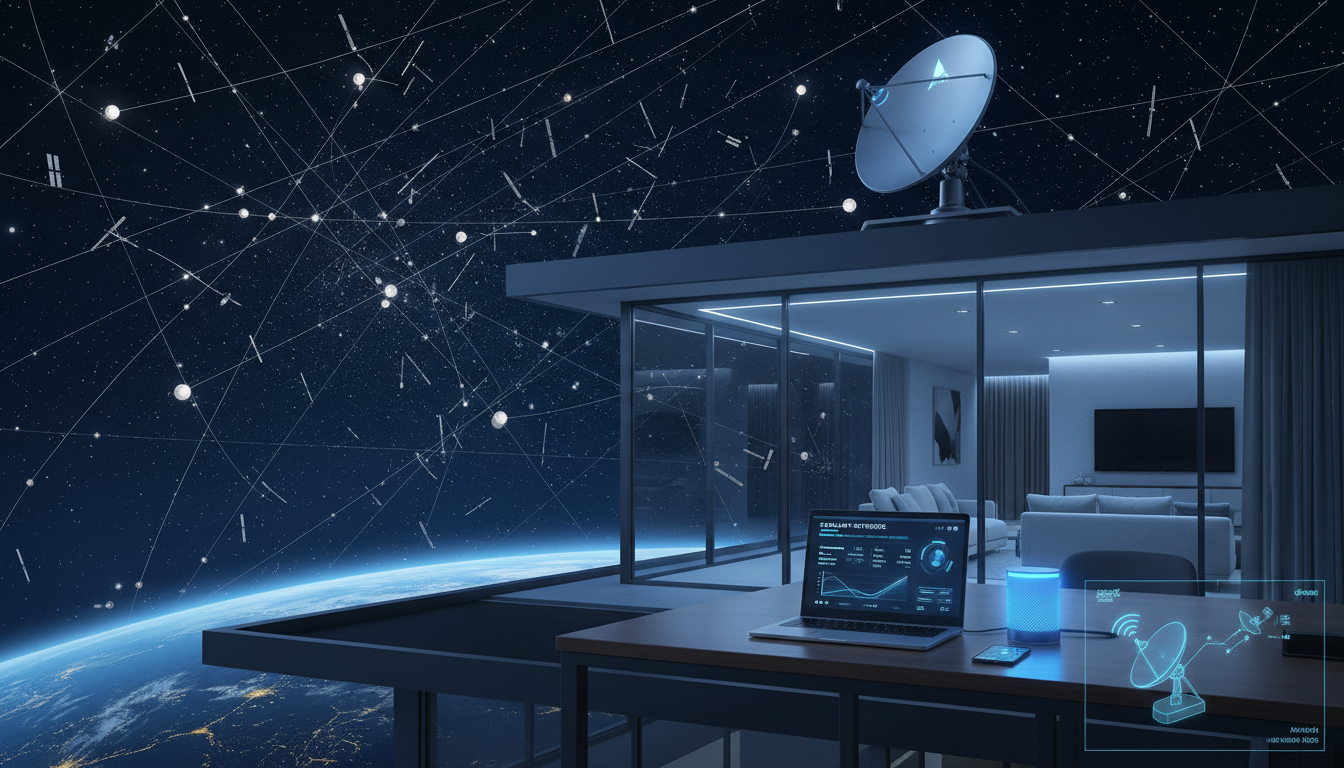
Which Devices Are Compatible With Starlink? Understanding Technical Limits and Requirements
Starlink offers a satellite internet service designed to bring fast, reliable connectivity to locations where traditional broadband struggles. But not every device can connect directly to Starlink, and the service itself comes with specific hardware and technical requirements that shape its compatibility.
If you’re considering Starlink as an alternative to your slow home internet, knowing what devices work and what limitations exist is crucial.
Starlink User Terminal: The Essential Gateway
The core device required for any Starlink internet connection is the Starlink user terminal, often called the "Starlink dish." This phased-array antenna is engineered to communicate with the Starlink satellite constellation orbiting Earth.
Without this terminal, no device can access the Starlink network.
- The user terminal includes a motorized dish that automatically aligns with satellites in low Earth orbit.
- It connects via Ethernet or Wi-Fi to your home router or directly to your computer.
- The terminal supports 802.11ac Wi-Fi standards, enabling compatibility with most modern Wi-Fi-enabled devices like smartphones, laptops, tablets, smart TVs, and gaming consoles.
Because the user terminal handles all satellite communication, any device capable of connecting to a standard Wi-Fi or Ethernet network can use Starlink’s internet once the terminal is set up.
Devices That Can Use a Starlink Internet Connection
Once the Starlink dish is installed and connected to a router or directly to a device, the range of compatible devices is broad:
- Wi-Fi-enabled devices: Smartphones (iPhone, Android), laptops (Windows, macOS), tablets, smart home devices.
- Ethernet-compatible devices: Desktop computers, gaming consoles (PlayStation, Xbox), smart TVs.
- Networked appliances: Printers, security cameras, and other IoT devices that rely on internet access.
The key here is that Starlink provides broadband internet like any other ISP once the user terminal distributes connectivity locally. This means there’s no special hardware requirement on your end beyond standard networking equipment.
Technical Limitations Affecting Device Compatibility
While device compatibility is generally wide thanks to standard Wi-Fi and Ethernet protocols, several technical factors influence how well Starlink works for you:
Latency Performance and Real-Time Applications
Starlink boasts latency figures around 25 to 50 milliseconds, much lower than traditional geostationary satellite internet but still higher than fiber or cable connections. This latency affects:
- Online gaming responsiveness
- Video conferencing quality
- Remote desktop and VPN performance
Devices relying heavily on real-time interaction may experience slight delays compared to terrestrial broadband. I always start by testing latency-sensitive applications on my devices after installation to gauge if performance meets my needs.
Power Requirements and Installation Constraints
The Starlink dish requires a stable power supply of about 100 watts during operation. Devices connected downstream do not have special power needs beyond their usual requirements.
A common mistake is underestimating the importance of clear sky visibility for the dish installation. The dish must have an unobstructed view of the sky for optimal satellite tracking.
Trees, buildings, or even heavy snow can degrade signal quality and reduce speeds on connected devices.
Network Throughput and Device Load
Starlink’s current service supports download speeds ranging from 100 Mbps up to 400 Mbps, depending on location and network congestion. However:
- If many devices connect simultaneously over Wi-Fi, bandwidth per device decreases.
- Older Wi-Fi standards (e.g., 802.11n) on some devices may limit achievable speeds.
- Network congestion during peak hours can reduce throughput temporarily.
I’d advise against assuming all connected devices will get maximum speeds simultaneously without considering router capabilities and network management.
Starlink Service Coverage and Availability Impact on Device Use
The availability of the Starlink service coverage varies globally as SpaceX continues deploying satellites in its constellation. Coverage maps show expanding footprints but some rural or obstructed areas may still lack reliable service.
Without active coverage in your area:
- The user terminal cannot establish a stable connection.
- Devices connected locally will have no internet access despite being linked to the router.
Checking the official Starlink service coverage before investing in hardware is essential. This ensures your devices will benefit from actual connectivity rather than just local network setup.
Installation Requirements for Using Starlink Hardware
Setting up a Starlink dish installation involves several steps that impact device compatibility indirectly:
- Mounting location selection: Choose a spot with clear sky visibility; otherwise, signal loss occurs.
- Power connection: The dish requires a dedicated power source; power fluctuations can cause disconnections affecting all connected devices.
- Router integration: You can use the provided Starlink router or connect the dish via Ethernet to your own router for advanced network setups.
- Device connection: Once online, connect your devices via Wi-Fi or Ethernet as usual.
A common trap during installation is improper cable management leading to signal interference or physical damage over time. Ensuring cables are weatherproofed and secured prevents connectivity drops that affect all downstream devices.
How Starlink Differs From Traditional Internet Providers in Device Compatibility
Unlike DSL or cable providers that rely on wired infrastructure terminating at your home modem/router, Starlink depends on satellite communication through its user terminal. This difference means:
- You cannot use existing modems or routers designed for DSL/cable without integrating them behind the Starlink dish.
- The user terminal acts as both modem and antenna; therefore, it must remain outdoors with line-of-sight access.
- Your internal network setup remains flexible; you can add mesh Wi-Fi systems or advanced routers behind it if needed.
This architecture means any device compatible with standard IP networking protocols works seamlessly once connected through the Starlink terminal.
Real User Considerations: Testing Speed and Latency
Running a Starlink internet speed test after setup helps verify if your devices achieve expected performance levels. Typical results show:
- Download speeds between 100 Mbps and 400 Mbps
- Upload speeds around 20 Mbps
- Latency averaging 30 ms but sometimes spiking higher depending on satellite handoffs
I always recommend testing multiple times at different hours because satellite constellations dynamically allocate bandwidth based on demand and location.
Exploring Subscription Plans Relative to Device Use
Starlink subscription plans start at around $35 per month for residential service with no data caps reported so far. Higher-tier plans offer priority access or business-grade SLAs but require compatible hardware upgrades.
Your choice of plan affects how many devices you can support effectively:
| Plan Type | Monthly Price | Typical Download Speed | Suitable For |
|---|---|---|---|
| Residential | $35 | 100–400 Mbps | Homes with multiple connected devices |
| Business / Premium | Higher tiers | Higher priority & speed | Small offices or high-demand users |
Choosing a plan depends on your device load and usage patterns—streaming HD video on multiple TVs simultaneously demands more bandwidth than casual browsing on phones.
Internal Link: Understanding eSIM Options for Travel Connectivity
If you’re interested in comparing connectivity options while traveling in Egypt or nearby regions where traditional SIM cards may be limited, I recommend checking out my detailed guide on eSIM plans in Egypt. It explains how eSIM technology complements services like Starlink by providing flexible mobile data without physical SIM swaps.
In summary, any device capable of connecting through standard Wi-Fi or Ethernet protocols can use a Starlink internet connection once you have installed the required user terminal correctly. However, technical factors such as latency performance, installation constraints, power requirements, and network throughput influence how well these devices perform under real conditions.
Understanding these details helps set realistic expectations about which devices will work best with Starlink’s satellite broadband service in your home or remote workspace.
FAQ
Which devices can connect directly to Starlink?
Any device that supports standard Wi-Fi (802.11ac) or Ethernet can connect to Starlink once the user terminal is installed. This includes smartphones, laptops, tablets, smart TVs, gaming consoles, and IoT devices.
How does Starlink’s latency affect device performance?
Starlink latency ranges from 25 to 50 milliseconds, which may cause slight delays in real-time applications like gaming or video calls. Devices relying on instant responsiveness might notice minor lag compared to fiber or cable internet.
What installation requirements impact device compatibility?
The Starlink dish needs a clear view of the sky and a stable power supply of about 100 watts. Proper mounting and cable management are essential to maintain signal quality for all connected devices.
Can I use my existing router with Starlink?
Yes, you can connect the Starlink user terminal to your own router via Ethernet for advanced setups. However, the Starlink dish acts as both modem and antenna, so it must remain outdoors with line-of-sight access.
Does Starlink support multiple devices simultaneously?
Starlink supports many devices over Wi-Fi or Ethernet, but bandwidth per device may decrease if many are connected at once. Network speeds depend on location, router quality, and peak usage times.

Omar Hassan
Omar is a travel-tech writer covering North Africa and the Middle East. At Egypt eSIM he tests Vodafone, Orange and Etisalat coverage from Cairo to the Red Sea.