How to Avoid Roaming Charges with Roamic eSIM in Egypt 2026
8/29/2026
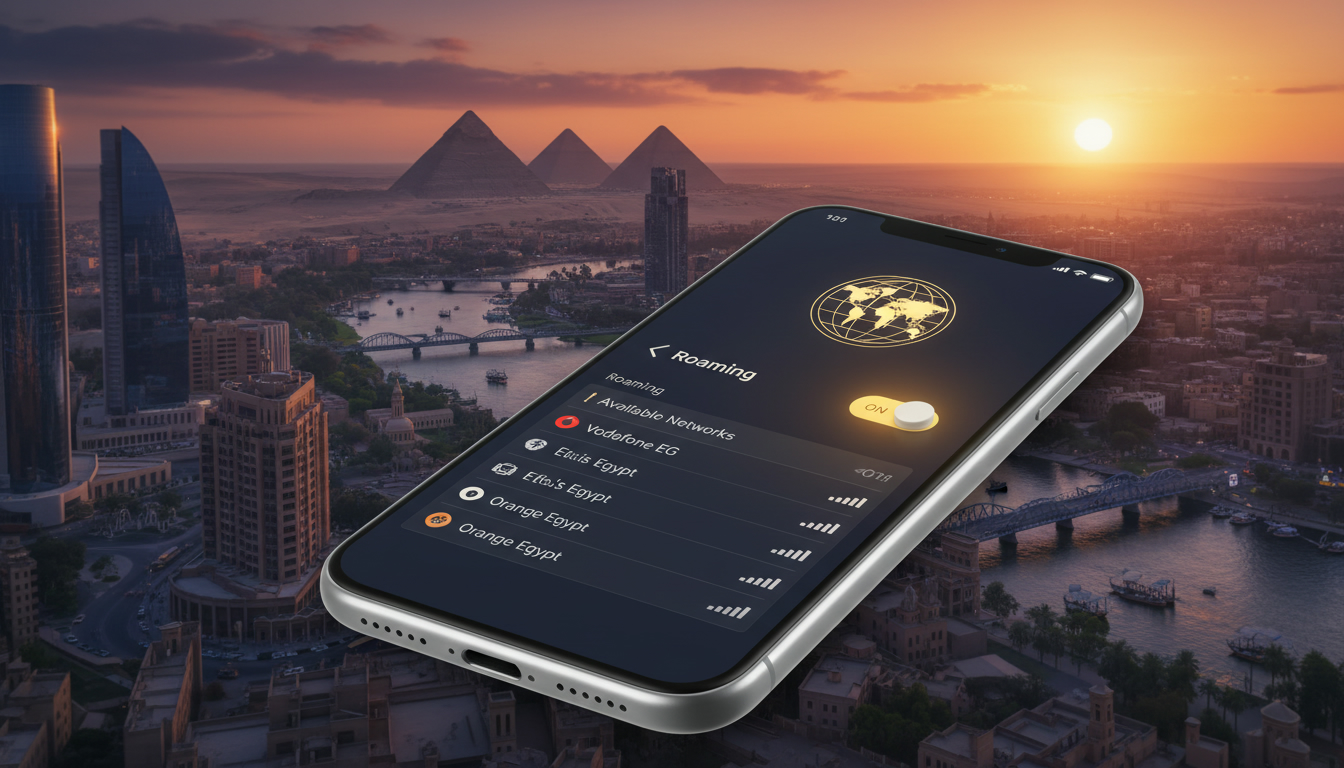
In short, what you'll discover in this article:
Explore what the Roamic eSIM is, how it works, and whether it’s the right choice for your Egypt trip. Learn about its benefits, activation process, pricing, coverage, and how it compares to traditional SIM cards to avoid roaming charges effortlessly.
1. Introduction — What Is Roamic eSIM?
Roamic eSIM is a digital SIM solution designed to keep travelers connected worldwide without swapping physical SIM cards. This article promises a clear overview of the Roamic eSIM, including how to use it effectively in Egypt, its pricing, compatibility, and real user experiences.
If you want to avoid roaming fees and enjoy hassle-free mobile data during your travels, Roamic might be a practical option.
2. Advantages and Disadvantages of Roamic eSIM
2.1 Main Advantages (Price, Simplicity, Coverage)
The Roamic eSIM offers several key benefits for travelers:
- Affordable pricing: Roamic provides competitive data plans starting from as low as $0.99 for 7 days in select countries.
- Easy activation: The Roamic eSIM activation process is straightforward, involving QR code scanning or app installation.
- Wide coverage: It supports over 150 countries with regional and global plans, making it ideal for international travel.
- No physical SIM swapping: You can activate your plan instantly without visiting local stores.
- User-friendly interface: The app and website simplify plan management and top-ups.
These advantages make the Roamic eSIM an attractive choice for travelers seeking convenience and cost savings.
2.2 Limitations and Precautions (Compatibility, Non-Transferability, Support)
Despite its perks, there are some limitations to consider:
- Device compatibility: Not all smartphones support eSIM technology. Checking the Roamic eSIM compatibility list before purchase is essential.
- Non-transferable profiles: Once installed on a device, the eSIM profile cannot be transferred to another phone.
- Customer support: While generally responsive, some users report delays in resolving activation issues.
- Limited offline setup: Activation requires internet access initially, which may be a hurdle if you arrive without connectivity.
Understanding these limits helps set realistic expectations when choosing Roamic for your Egypt trip.
3. Who Should Use Roamic eSIM and When?
Roamic eSIM suits various traveler profiles:
- Frequent international travelers who want seamless connectivity across multiple countries.
- Digital nomads and remote workers needing reliable data without physical SIM hassles.
- Expats or long-term visitors looking for flexible data plans without contracts.
- Tourists visiting Egypt who want to avoid buying local SIM cards or paying roaming fees.
If you value convenience and cost-effectiveness while traveling in Egypt or beyond, Roamic eSIM can be a practical solution.
4. How Does Activation Work — Step-by-Step Guide
4.1 Check Device Compatibility
Before purchasing a Roamic eSIM data plan, verify that your smartphone supports eSIM technology. Most recent iPhones (XS and later) and many Android models like Google Pixel and Samsung Galaxy support it. You can find a detailed compatibility list on the official Roamic website or through trusted guides such as this Egypt eSIM guide.
4.2 Purchase and Receive Your Profile (QR Code / Link / App)
Once compatibility is confirmed:
- Choose your preferred Roamic eSIM data plan based on your travel duration and data needs.
- Complete the purchase on Roamic’s platform.
- Receive your eSIM profile via email or directly through the Roamic app as a QR code or activation link.
4.3 Detailed Installation (iOS, Android) with Troubleshooting
For iOS:
- Go to Settings > Cellular > Add Cellular Plan.
- Scan the QR code provided by Roamic or enter the activation details manually.
- Label your new plan for easy management.
- Select the Roamic plan as your data source.
For Android:
- Navigate to Settings > Network & Internet > Mobile Network > Advanced > Carrier > Add Carrier.
- Scan the QR code or enter details manually.
- Activate the profile and set it as preferred for data usage.
Common issues:
- QR code not scanning: Try manual entry or restart your device.
- Activation errors: Ensure you have an active internet connection during setup.
- No signal: Verify coverage in your location or contact Roamic customer support.
For more detailed troubleshooting tips tailored to Egypt travel connectivity, check out our comprehensive eSIM in Egypt guide.
5. Pricing, Plans, and Policies (Validity, Top-Ups, Refunds)
Roamic offers flexible pricing with plans tailored for different regions:
- Example: A 3 GB plan valid for 14 days costs around $4.49 with Roamic in Egypt.
- Plans vary by country; some start as low as $0.99 for one week in European countries.
- Validity periods range from a few days up to one month depending on the selected plan.
- Top-ups are possible through the app or website before expiration.
- Refund policies depend on purchase terms; usually non-refundable once activated.
For travelers seeking affordable options in Egypt specifically, comparing plans on platforms like MyBestSim can help find the best deal with available promo codes such as “MYBESTSIM” offering discounts on unlimited plans.
6. Coverage and Network Quality
6.1 List/Map of Covered Countries (How to Verify Coverage)
Roamic covers more than 150 countries worldwide including Egypt’s main cities like Cairo, Luxor, Aswan, and coastal areas along the Red Sea. You can verify exact coverage areas on their official site or through third-party databases.
6.2 Real Results: Speed Tests and Stability
User reviews indicate generally stable connections with decent speeds suitable for browsing, social media, and streaming at moderate quality levels during trips in Egypt. However, network quality depends heavily on local mobile operators partnered with Roamic.
7. Quick Comparison
7.1 Roamic eSIM vs Local SIM Card
| Feature | Roamic eSIM | Local SIM Card |
|---|---|---|
| Convenience | Instant activation via QR code | Requires physical purchase |
| Coverage | Multi-country global plans | Limited to local operator |
| Cost | Competitive but varies | Often cheaper locally |
| Data management | App-based easy top-ups | May require store visits |
| Phone compatibility | Requires eSIM-capable device | Works with any SIM slot phone |
7.2 Roamic eSIM vs Other Providers (Summary)
Roamic ranks highly among international providers with a rating of about 4.5/5 on MyBestSim thanks to its affordability and ease of use compared to competitors like Airalo or Holafly that may offer higher prices but broader global coverage.
8. Practical Questions & Advanced Use Cases
8.1 Using Multiple eSIMs / Switching Profiles
You can store multiple eSIM profiles on compatible devices but only activate one at a time for cellular data use. Switching between profiles is done via device settings without removing any installed profiles.
8.2 Solutions for Non-Compatible Devices
If your phone doesn’t support eSIMs:
- Consider using a dual-SIM phone with one physical SIM slot plus an eSIM slot.
- Alternatively, buy a local physical SIM card upon arrival in Egypt.
- Use portable Wi-Fi hotspots as another connectivity option.
8.3 Tips to Save Money (Choose Duration, Use Promotions)
To optimize costs:
- Select plans matching your exact travel duration—avoid paying for unused days.
- Look out for promo codes like “MYBESTSIM” offering discounts on unlimited plans via MyBestSim comparisons.
- Monitor data usage carefully through the app to avoid unexpected top-ups.
9. Support, Security, and Privacy
9.1 What To Do If Activation or Connection Fails
Contact Roamic customer support via their website or app chat feature promptly if you face issues during activation or connectivity problems abroad.
9.2 Data Protection and Profile Security
Roamic uses encrypted profiles ensuring your mobile data remains secure during transmission and storage on your device.
10. User Reviews and Experiences
Roamic enjoys positive feedback from over 19,000 users who rate it around four stars on Trustpilot for reliability and value during international travel including trips to Egypt.
Users appreciate:
- Quick setup
- Affordable pricing
- Responsive customer service
Some note occasional delays in support response but overall recommend it as a solid alternative to traditional roaming or local SIM cards.
11. Conclusion — Verdict and Recommendations
Roamic eSIM is an excellent choice if you want hassle-free mobile data during your trip to Egypt without swapping physical SIM cards or paying high roaming fees. Its competitive pricing, simple activation process, and broad coverage make it ideal for tourists, digital nomads, and frequent travelers alike.
For those prioritizing convenience over absolute lowest cost or needing multi-country flexibility, Roamic stands out as a reliable option worth trying before departure.
To explore detailed options tailored specifically for Egypt travel connectivity including step-by-step activation help visit our Egypt eSIM plans guide.
Ready to stay connected effortlessly? Check out available offers from Roamic through trusted platforms like MyBestSim where you can also find exclusive promo codes such as “MYBESTSIM” for discounts on unlimited data plans!
FAQ
How do I activate Roamic eSIM on my phone?
To activate Roamic eSIM, first confirm your device supports eSIM. Then purchase a plan, receive a QR code or activation link, and add the cellular plan via your phone settings. Activation requires an internet connection and can be done easily on both iOS and Android devices.
What are the main benefits of using Roamic eSIM in Egypt?
Roamic eSIM offers affordable data plans, instant activation without physical SIM swapping, and wide coverage across Egypt’s major cities. It simplifies connectivity for travelers by allowing easy top-ups and managing plans through an app, helping avoid roaming fees.
Is Roamic eSIM compatible with all smartphones?
No, Roamic eSIM requires a device that supports eSIM technology, such as recent iPhones (XS and later) or certain Android models like Google Pixel and Samsung Galaxy. It’s important to check the compatibility list before purchasing.
Can I transfer my Roamic eSIM profile to another phone?
No, once a Roamic eSIM profile is installed on a device, it cannot be transferred to another phone. You would need to purchase a new plan for each device you want to use.
How does Roamic eSIM compare to local SIM cards in Egypt?
Roamic eSIM offers instant activation and multi-country coverage without physical SIM swaps, while local SIM cards may be cheaper but require in-person purchase and are limited to one country. Roamic is more convenient for travelers seeking flexibility.

Omar Hassan
Omar is a travel-tech writer covering North Africa and the Middle East. At Egypt eSIM he tests Vodafone, Orange and Etisalat coverage from Cairo to the Red Sea.