How to Use an eSIM for Djezzy in 2026
8/28/2026
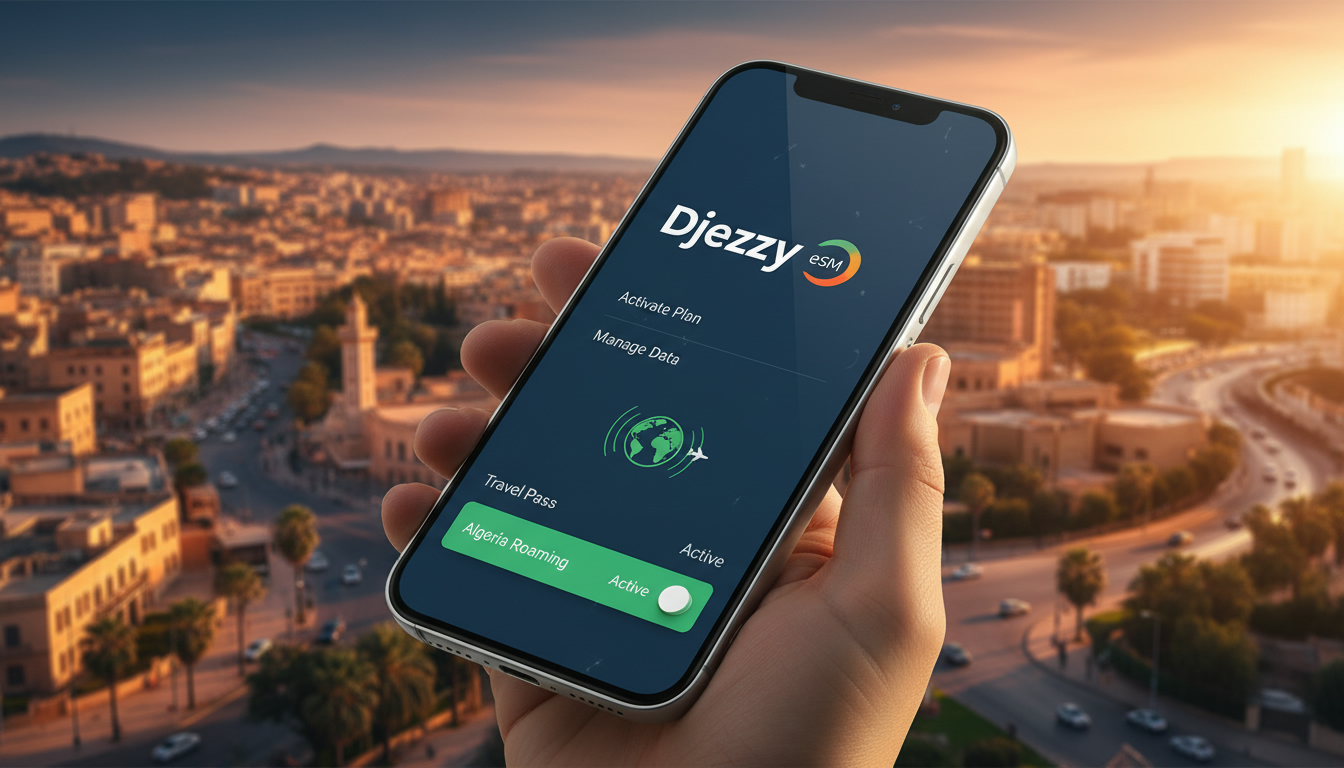
In short, what you'll discover in this article: Learn everything about the eSIM Djezzy—from what it is and device compatibility to activation steps and data plans. Prepare your trip to Algeria with confidence by understanding how to get connected instantly with Djezzy’s eSIM service.
1. Introduction — What Is an eSIM and Why Does Djezzy Offer It?
An eSIM (embedded SIM) is a digital SIM card built into your smartphone or device, allowing you to activate a cellular plan without needing a physical SIM card. This technology offers flexibility, especially for travelers who want to avoid the hassle of swapping SIM cards upon arrival.
Djezzy, one of Algeria’s leading mobile operators, has embraced eSIM technology to provide customers with seamless connectivity options. Whether you're a resident or visiting Algeria, the Djezzy eSIM allows you to activate mobile data and voice services quickly, often before you even land.
2. Advantages and Limitations of the eSIM
Using a Djezzy eSIM comes with several benefits:
- Instant activation without visiting a store.
- Multiple profiles on one device for easy switching.
- Reduced risk of losing or damaging physical SIM cards.
- Convenient for international travelers needing local data plans.
However, some limitations include:
- Not all devices support eSIM technology yet.
- Activation may require internet access or QR code scanning.
- Some older phones or budget models may not be compatible.
Understanding these pros and cons helps you decide if the Djezzy eSIM suits your travel or daily needs.
3. Compatibility — Devices and Operating Systems
Before purchasing a Djezzy eSIM, ensure your device supports it. Compatibility depends on both hardware and software versions.
3.1 iPhone (Models and Specific Steps)
Apple has been a pioneer in adopting eSIM technology. Most iPhones from the iPhone XR, XS, and newer models support eSIMs, including dual SIM functionality.
To check compatibility:
- Go to Settings > Cellular.
- Look for “Add Cellular Plan” option.
- Confirm your iOS version is updated (iOS 12.1 or later).
3.2 Android (Samsung, Huawei, Xiaomi, Specific Steps)
Many recent Android smartphones from brands like Samsung (Galaxy S20+ and later), Huawei, and Xiaomi support eSIMs.
Steps vary slightly by manufacturer but generally include:
- Open Settings > Network & Internet > Mobile Network.
- Select “Add Carrier” or “Add eSIM.”
- Scan the QR code provided by Djezzy or enter activation details manually.
Make sure your device’s firmware is up to date to avoid compatibility issues.
4. Djezzy eSIM Plans and Pricing (Prepaid / Postpaid / Data)
Djezzy offers various eSIM data packages tailored for different user needs—from short-term visitors to long-term residents.
4.1 Quick Comparison of Offers
While exact prices fluctuate, Djezzy typically provides:
- Prepaid data bundles ideal for tourists.
- Postpaid plans with voice and data options.
- Flexible data packages ranging from daily to monthly validity.
For the most current pricing and detailed plan options, visit Djezzy’s official website.
5. How to Activate a Djezzy eSIM — Step-by-Step Guide
Activating your Djezzy eSIM can be done easily either online or in person.
5.1 Online Activation via QR Code (Detailed Steps)
- Purchase an eSIM Djezzy plan online or through authorized resellers.
- Receive a QR code via email or SMS.
- On your compatible device:
- Go to Settings > Cellular > Add Cellular Plan.
- Scan the QR code provided by Djezzy.
- Follow on-screen prompts to complete activation.
- Restart your device if necessary.
This method allows you to have connectivity ready upon arrival in Algeria.
5.2 Activation In-Store or Through Customer Service
If online activation isn’t possible:
- Visit a Djezzy store in Algeria.
- Request an eSIM Djezzy activation from customer service.
- They will assist you with scanning the QR code or manual setup.
5.3 Migrating From Physical SIM to eSIM (Tips and Precautions)
If you already have a physical Djezzy SIM card:
- Contact Djezzy customer support for migration options.
- Backup any important contacts or settings.
- Follow instructions carefully to transfer your number and plan to the eSIM profile without losing service.
Migration ensures you keep your existing number while enjoying the benefits of an eSIM.
6. Troubleshooting Common Issues
Even with smooth technology, some problems may arise during setup or use.
6.1 Activation Errors and Common Messages
If you encounter errors like “Activation failed” or “Invalid QR code,” try:
- Checking internet connectivity during activation.
- Verifying that your device supports the Djezzy eSIM.
- Requesting a new QR code from Djezzy if needed.
6.2 Network Problems, APN Settings, and Mobile Data Issues
If mobile data doesn’t work after activation:
- Confirm APN settings match those provided by Djezzy.
- Restart your phone after installing the profile.
- Ensure roaming is enabled if using abroad (see next section).
7. Using Your eSIM Abroad (Roaming) — Practical Tips
The Djezzy eSIM supports international roaming on select networks, but costs and coverage vary.
Tips for using roaming:
- Check roaming availability before traveling outside Algeria.
- Activate roaming in your phone’s cellular settings.
- Monitor data usage carefully to avoid unexpected charges.
For extended stays abroad, consider local eSIM alternatives or international plans from providers like those featured on MyBestSim for better rates.
8. Security and Managing Your eSIM Profiles (Backup, Deletion, Transfer)
Managing your eSIM Djezzy profiles securely is essential:
- Backup your profiles if your device supports it.
- Delete old profiles when no longer needed to free space.
- Transfer profiles carefully when switching devices; some phones allow profile export/import while others require reactivation via QR code.
Always safeguard your activation codes and account credentials.
9. Comparison — Djezzy eSIM vs Other Algerian Operators’ eSIMs
While Djezzy offers competitive eSIM data packages, other Algerian operators like Mobilis and Ooredoo also provide similar services with varying coverage and pricing.
Choosing between them depends on factors such as:
- Network coverage in your destination area.
- Price competitiveness of prepaid/postpaid plans.
- Ease of activation and customer support quality.
For travelers seeking comprehensive guidance on regional options beyond Algeria, check out our detailed Egypt eSIM guide which covers buying, activating, and using eSIMs in nearby countries like Egypt for broader connectivity planning.
10. Conclusion
The Djezzy eSIM offers a convenient way for travelers and residents in Algeria to stay connected without physical SIM cards. By understanding compatibility, activation steps, available plans, and troubleshooting tips outlined here, you can prepare ahead for seamless mobile internet access during your trip.
To get started with a Djezzy eSIM, visit their official site or authorized resellers today—and consider exploring additional travel connectivity options at egypt-esim.com for broader regional insights that complement your Algerian experience!
FAQ
Which devices are compatible with Djezzy eSIM?
Djezzy eSIM supports most iPhones from XR and XS onward, plus recent Android models like Samsung Galaxy S20+ and newer. Ensure your device has updated software and eSIM capability before purchasing.
How do I activate a Djezzy eSIM online?
To activate online, buy a Djezzy eSIM plan, receive a QR code via email or SMS, then scan it in your phone’s cellular settings under 'Add Cellular Plan.' Follow prompts to complete activation.
What types of data plans does Djezzy offer for eSIM?
Djezzy provides prepaid bundles ideal for tourists, postpaid plans with voice and data, and flexible packages ranging from daily to monthly validity. Check their official website for current pricing.
Can I use Djezzy eSIM for roaming outside Algeria?
Yes, Djezzy eSIM supports roaming on select networks abroad. Activate roaming in your phone settings and monitor usage to avoid extra charges. Coverage and costs vary by country.
What should I do if my Djezzy eSIM activation fails?
If activation fails, verify your internet connection, confirm device compatibility, and request a new QR code from Djezzy if needed. Restarting your device often resolves common issues.

Omar Hassan
Omar is a travel-tech writer covering North Africa and the Middle East. At Egypt eSIM he tests Vodafone, Orange and Etisalat coverage from Cairo to the Red Sea.